如何Python打开浏览器打开指定网页(三)
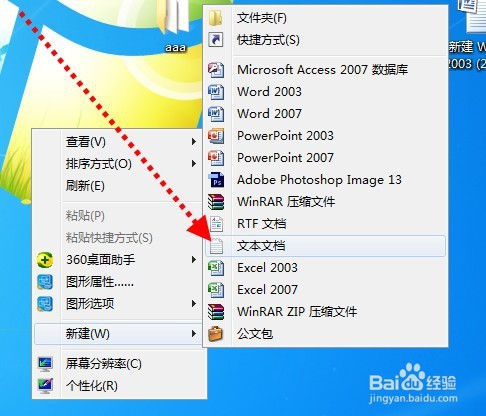
1、首先,点击右键新建一个文本文档。
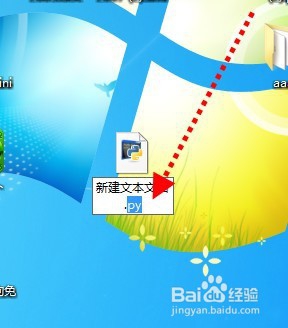
2、然后,将文档的后缀txt改为py。
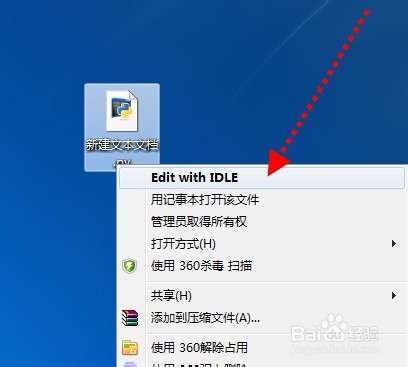
3、然后,右键使用edit with idle打开。
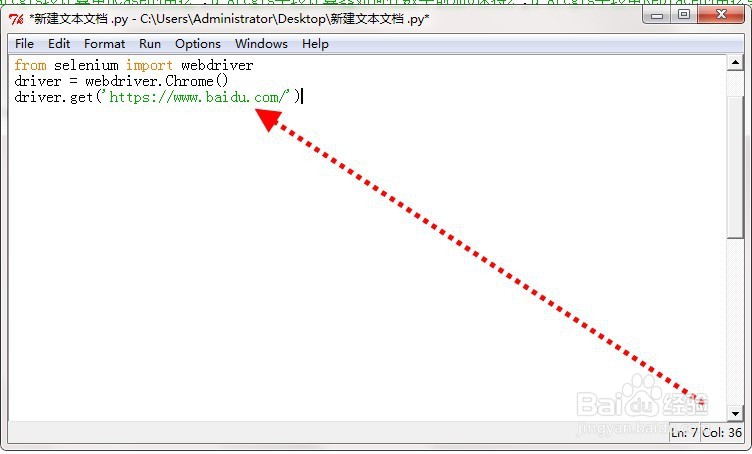
4、然后输入代码:
from selenium import webdriver
driver = webdriver.Chrome()
driver.get('这里输入指定网址')
5、然后,点击菜单栏中的RUN——run modle。
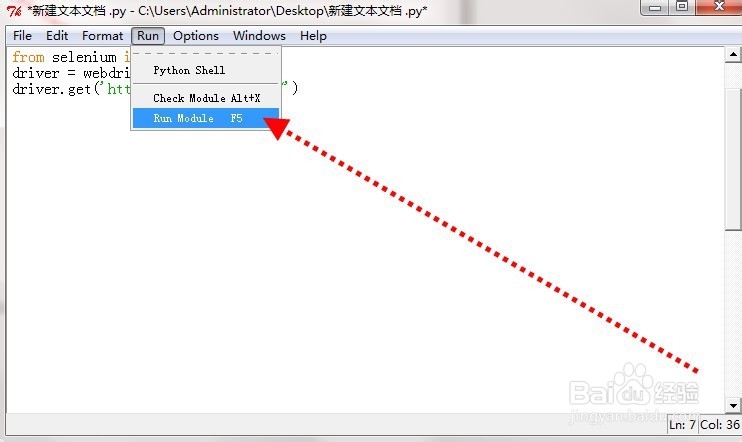
6、最后,等待程序运行约3秒,指定网页就打开了。

阅读量:73
阅读量:167
阅读量:138
阅读量:196
阅读量:159