怎么转变excel的英文字母大小写
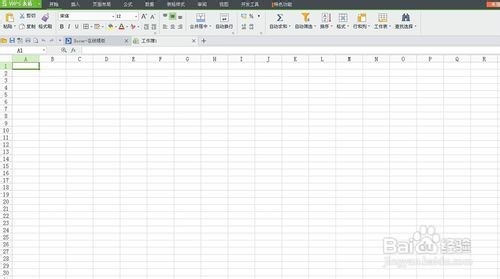
1、首先点击打开excel表格。

2、打开软件后,进入到表格窗口。
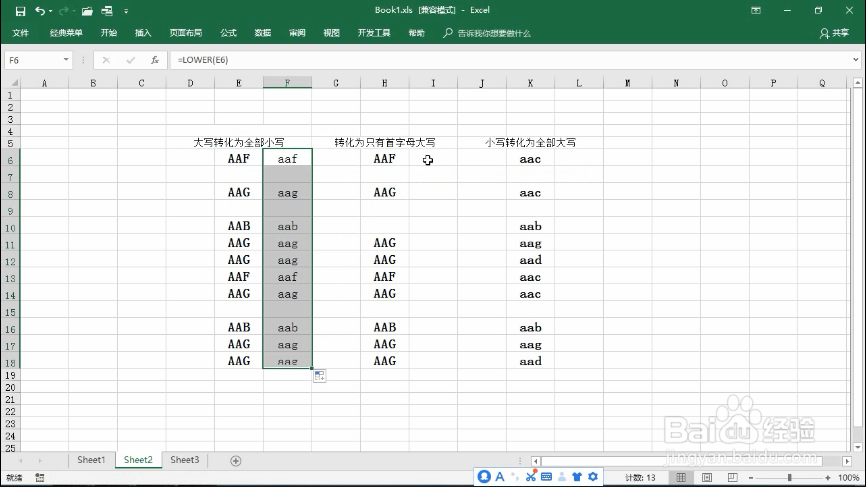
3、若要将字母转为全部小写,在单元格中输入公式=lower(E6)
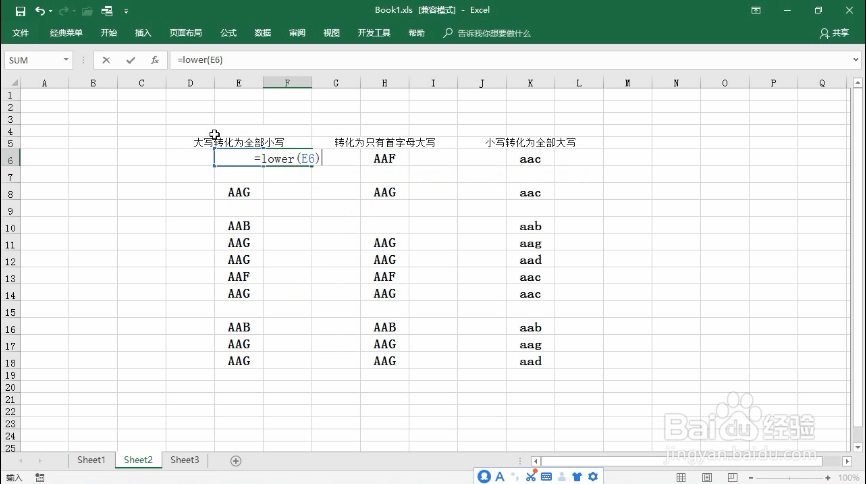
4、再用填充柄下拉即可
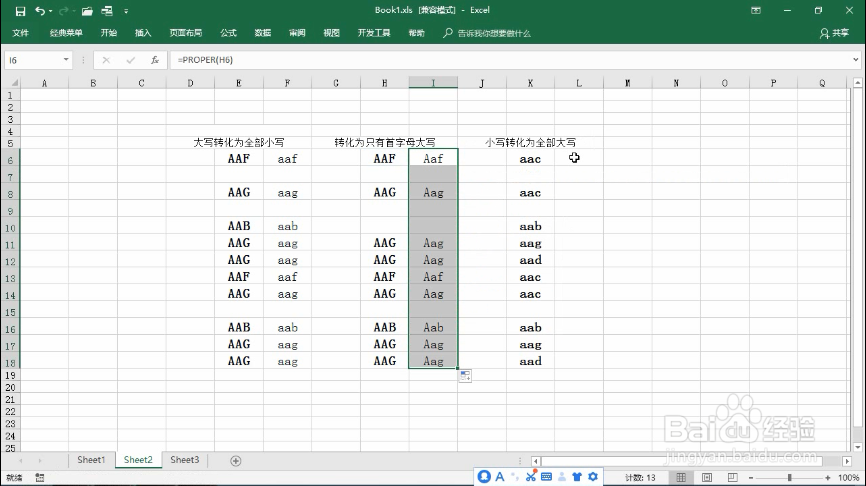
5、若要将大写字母转变为首字母大写,输入公式=proper(H6)
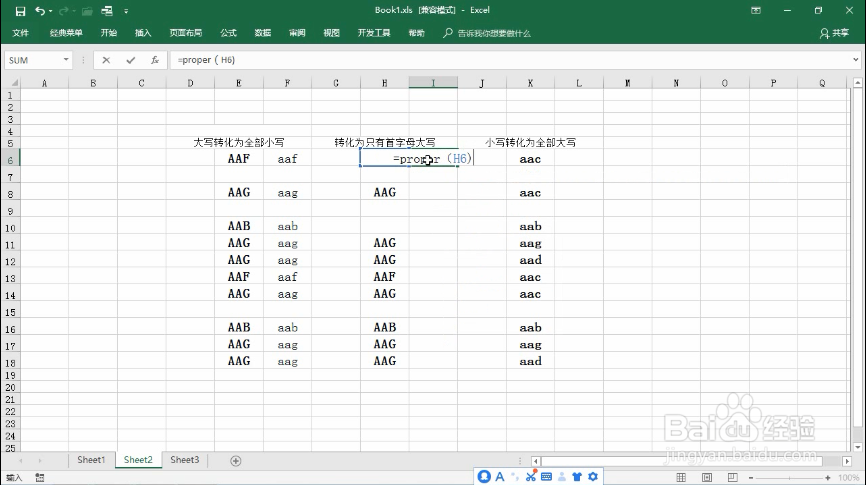
6、再用填充柄下拉即可
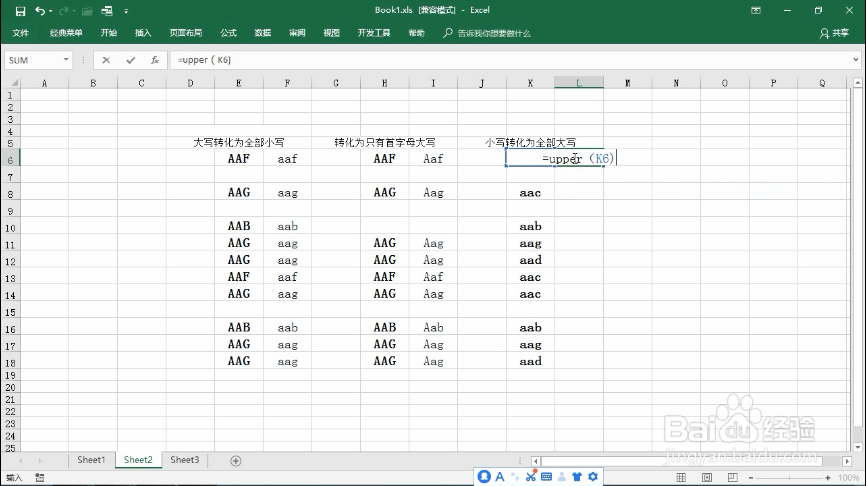
7、若要将小写字母转化为大写,输入公式=upper(K6)
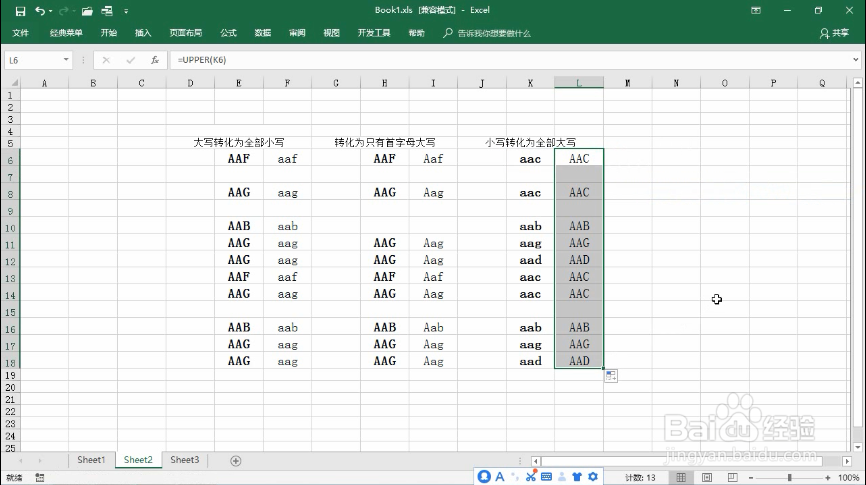
8、再用填充柄下拉即可。
9、以上便是关于怎么转变excel的英文字母大小写的解决方法,希望小编的分享能够帮助到大家!
阅读量:91
阅读量:146
阅读量:180
阅读量:40
阅读量:140