Apex英雄Steam版怎么更换绑定账号
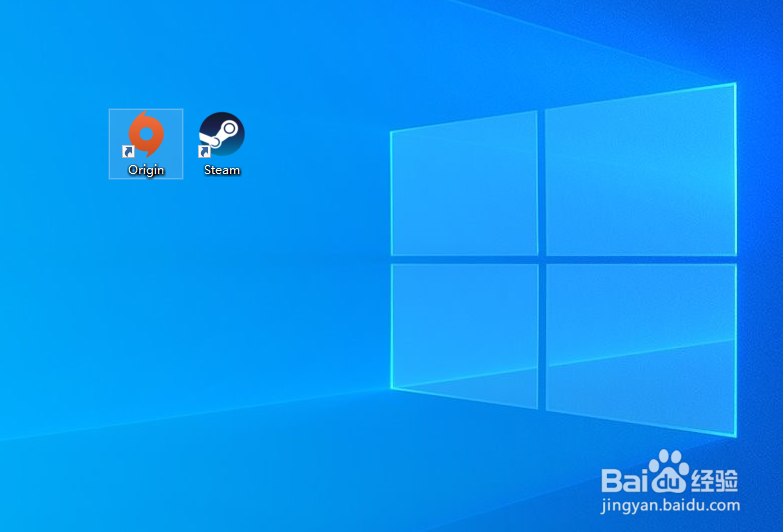
1、在电脑中打开origin客户端。
2、点击origin,然后点击EA帐号与帐务。

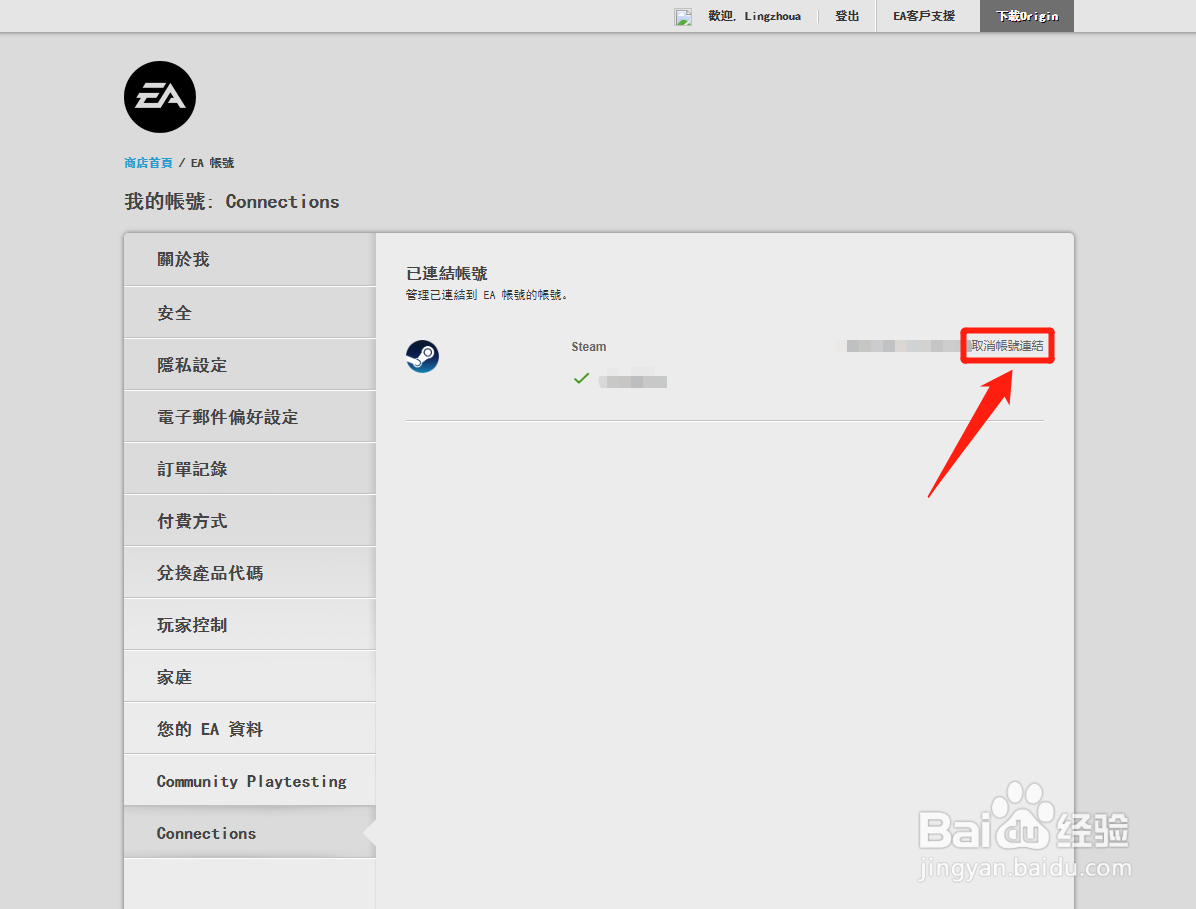
3、点击Connections。

4、点击取消绑定steam帐号。
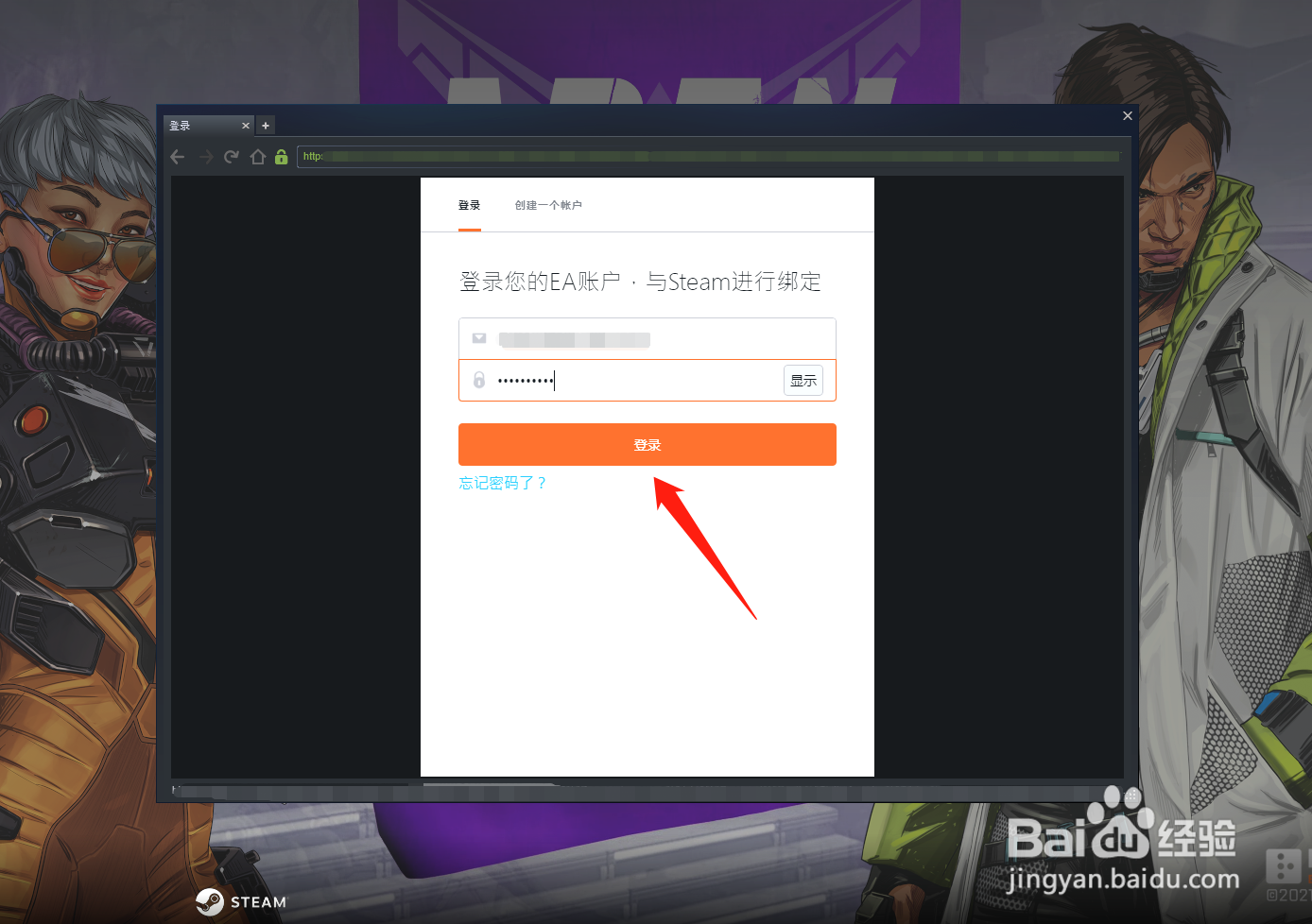
5、在steam中启动apex英雄。

6、输入其他EA账号进行绑定即可。
阅读量:120
阅读量:74
阅读量:183
阅读量:40
阅读量:181
1、在电脑中打开origin客户端。
2、点击origin,然后点击EA帐号与帐务。
3、点击Connections。
4、点击取消绑定steam帐号。
5、在steam中启动apex英雄。
6、输入其他EA账号进行绑定即可。