win10开始菜单右键菜单有两个记事本选项怎么办
1、在win10系统桌面上,空白处。右键,新建-文本文档。

2、双击打开新建文本文档。

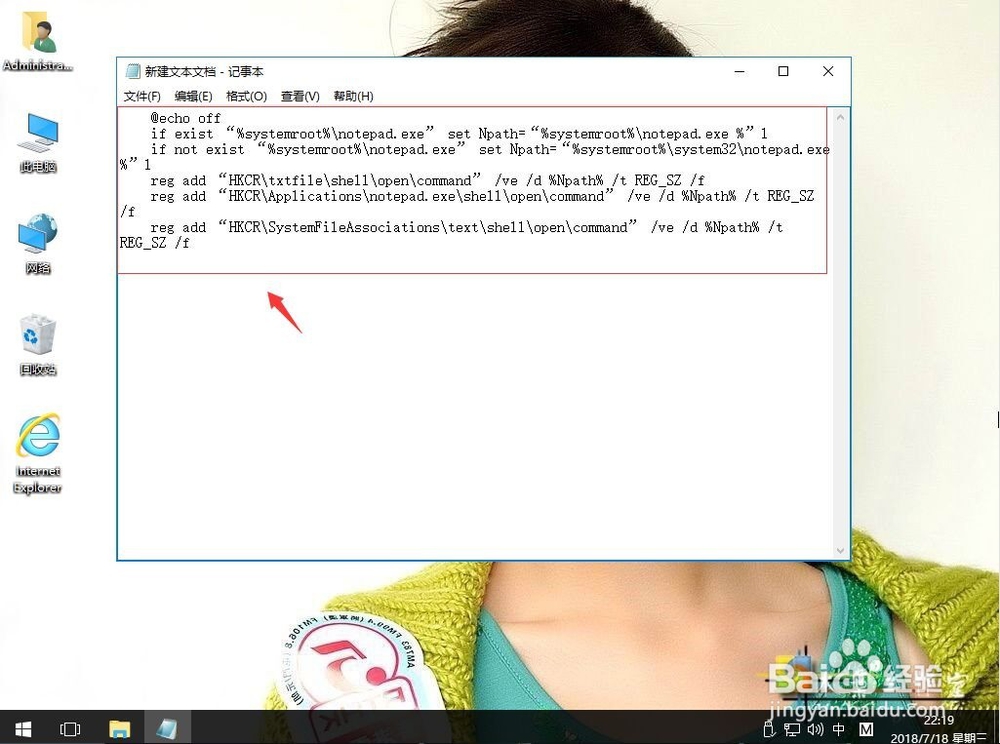
3、把下面代码复制,粘贴上去。
@echo off
if exist “%systemroot%\notepad.exe” set Npath=“%systemroot%\notepad.exe %”1
if not exist “%systemroot%\notepad.exe” set Npath=“%systemroot%\system32\notepad.exe %”1
reg add “HKCR\txtfile\shell\open\command” /ve /d %Npath% /t REG_SZ /f
reg add “HKCR\Applications\notepad.exe\shell\open\command” /ve /d %Npath% /t REG_SZ /f
reg add “HKCR\SystemFileAssociations\text\shell\open\command” /ve /d %Npath% /t REG_SZ /f
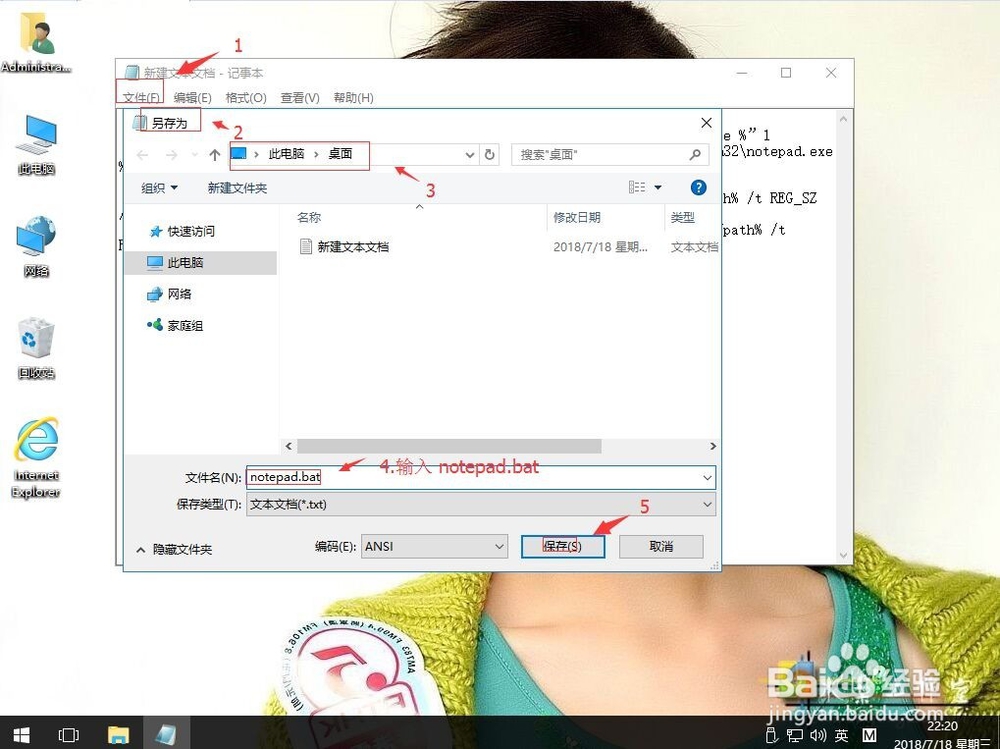
4、单击文件,另存为notepad.bat。单击保存。
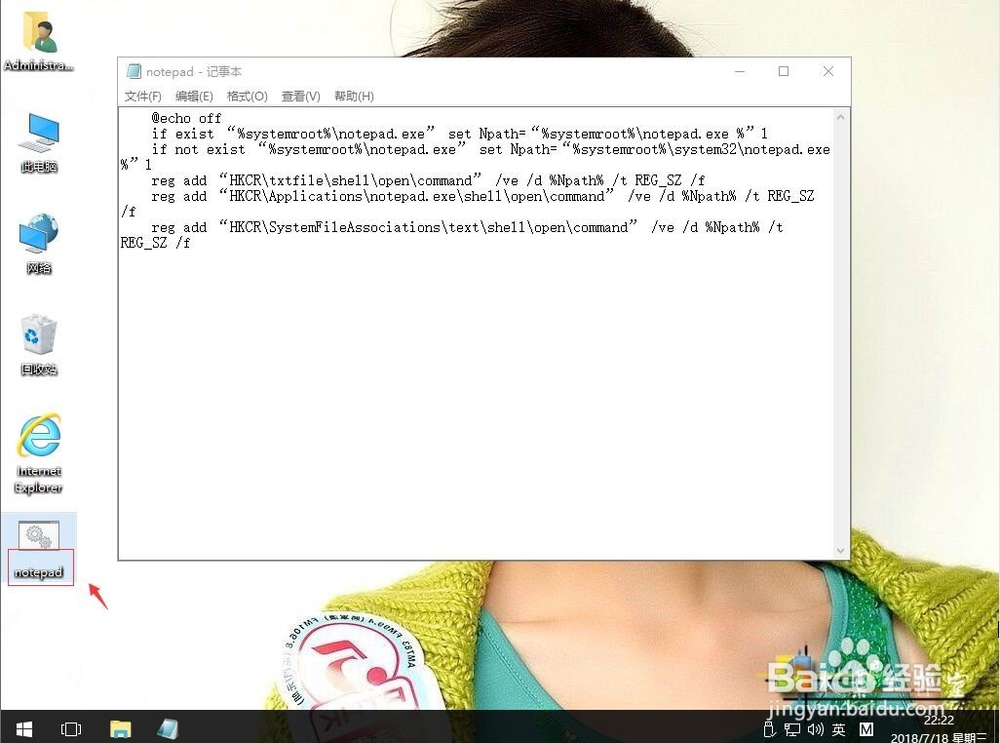
5、双击notepad.bat。然后电脑重启就解决了。
阅读量:108
阅读量:158
阅读量:103
阅读量:39
阅读量:94