ps中怎么让文字变成金色?
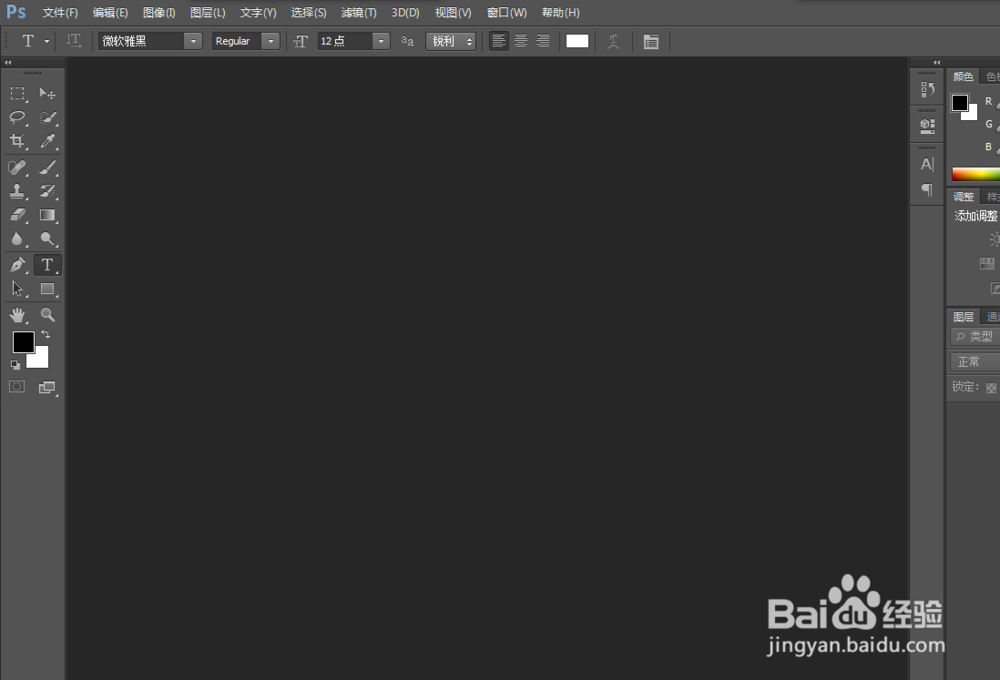
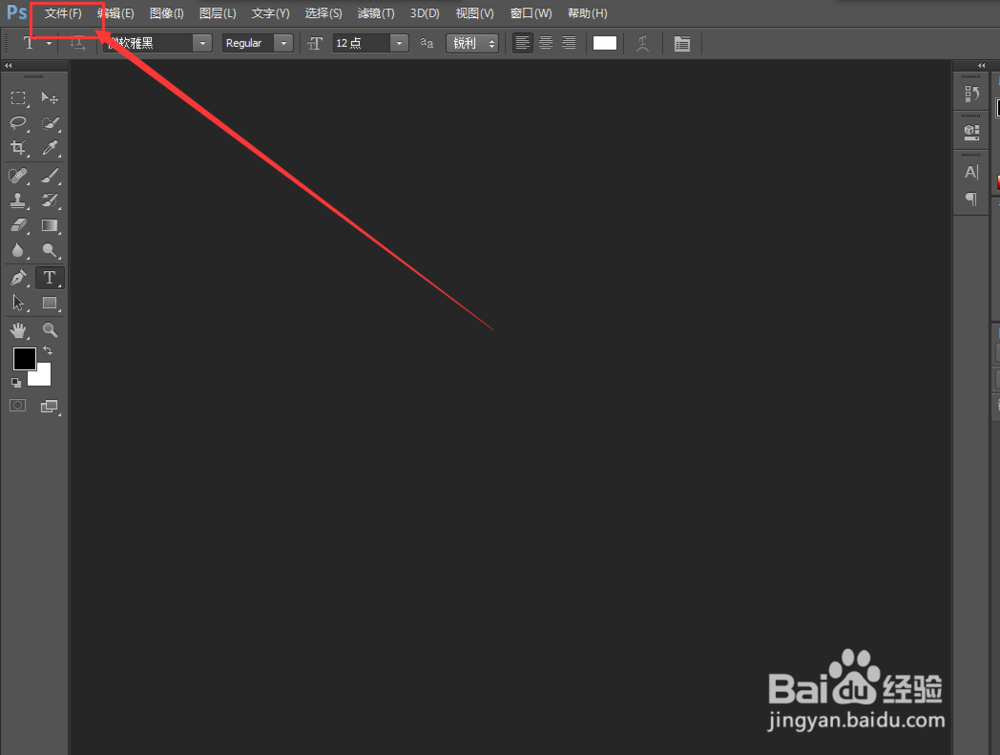
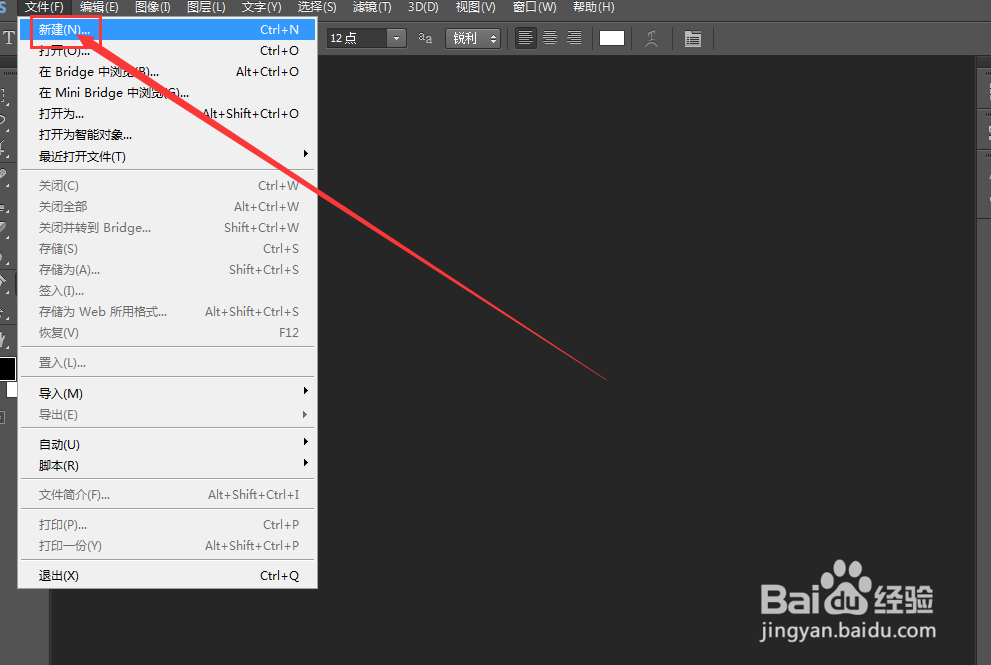
1、打开软件,新建文件。如图
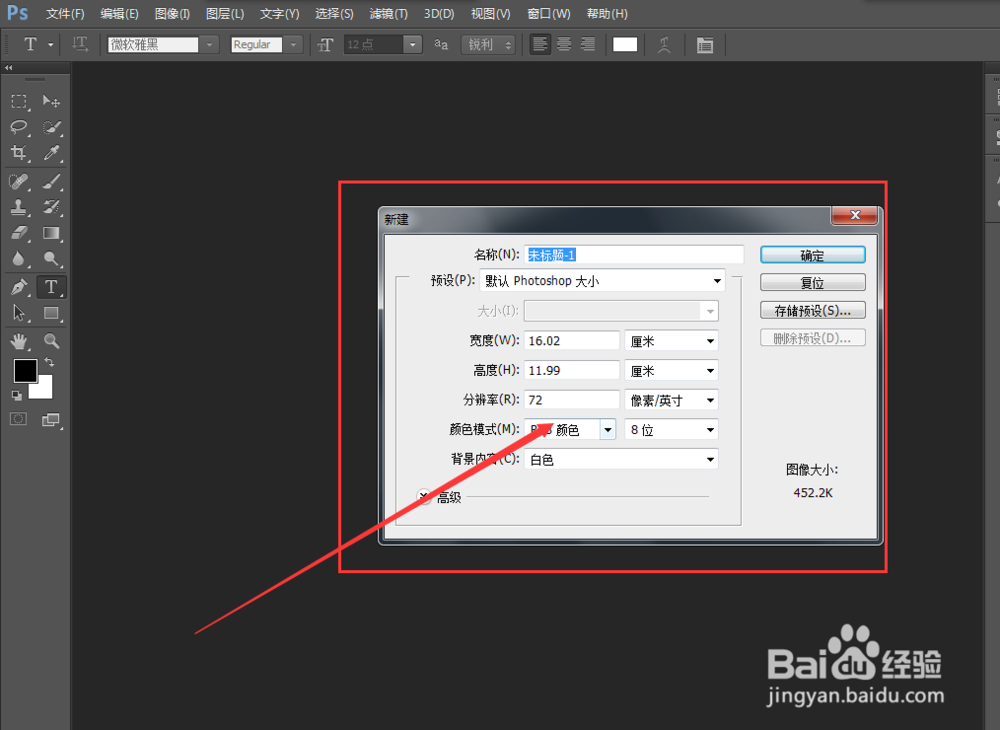
2、设置文件属性,如图
3、进入新建文件,如图
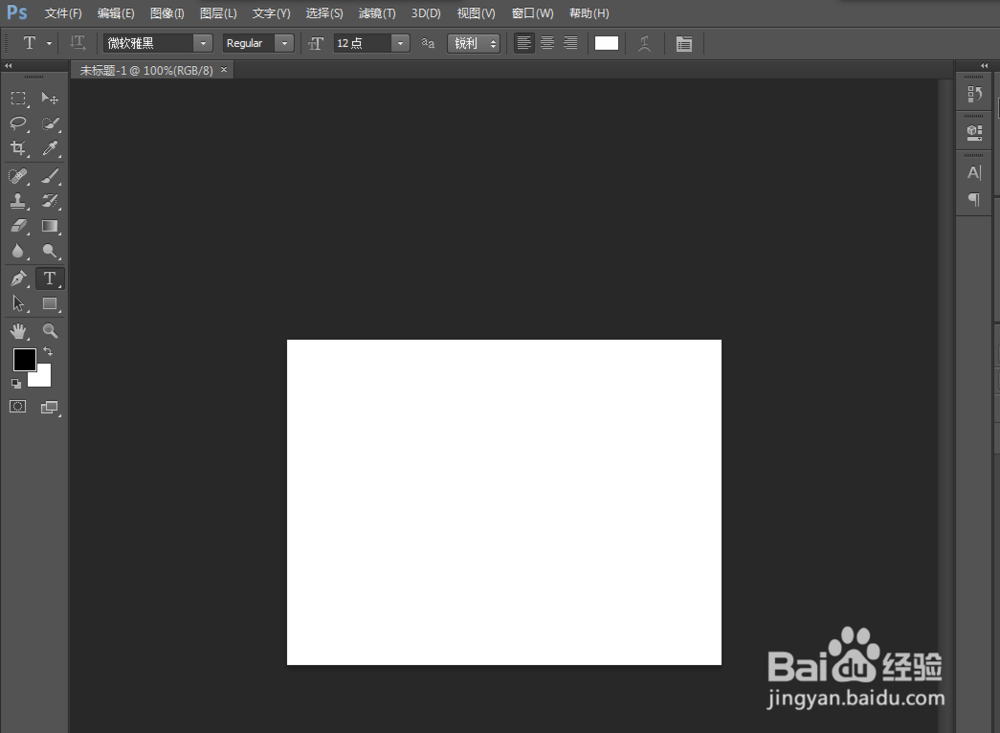
4、输入文字,如图
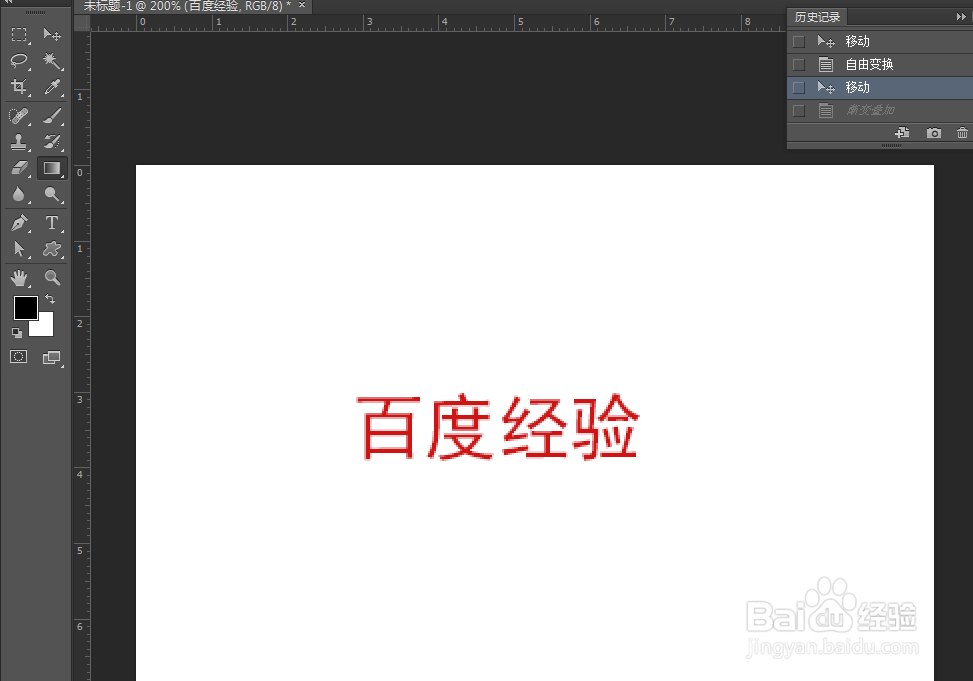
5、找到文字图层右击,弹出如图选项。
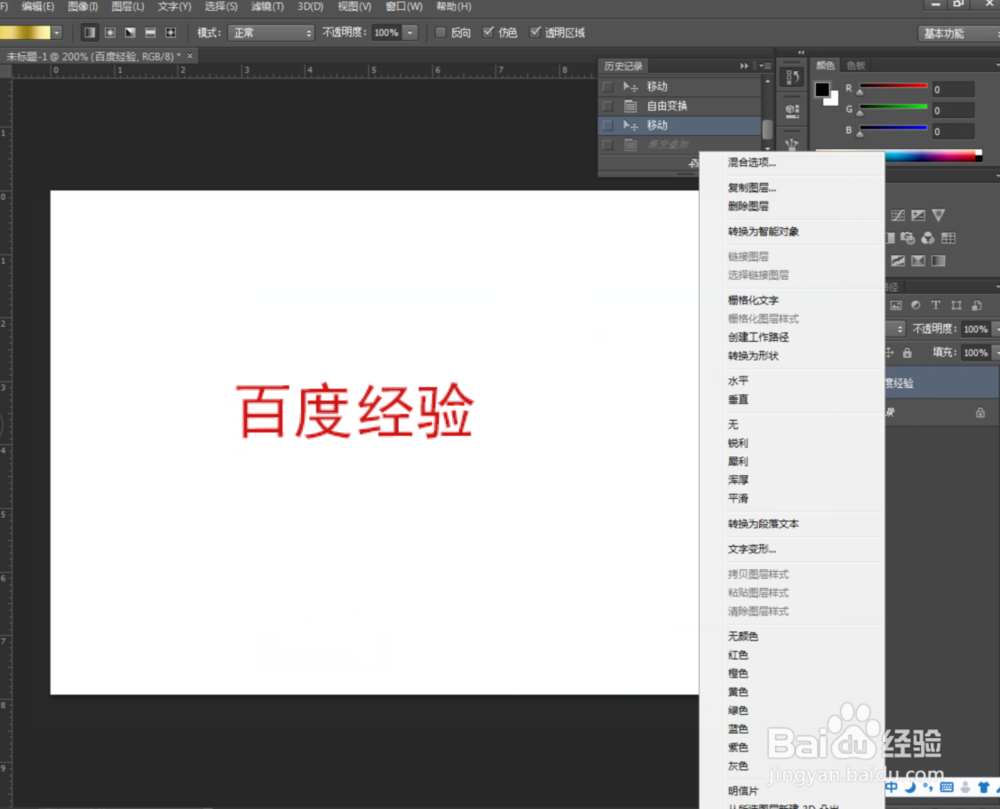
6、选中混合选项,进入混合选项,如图
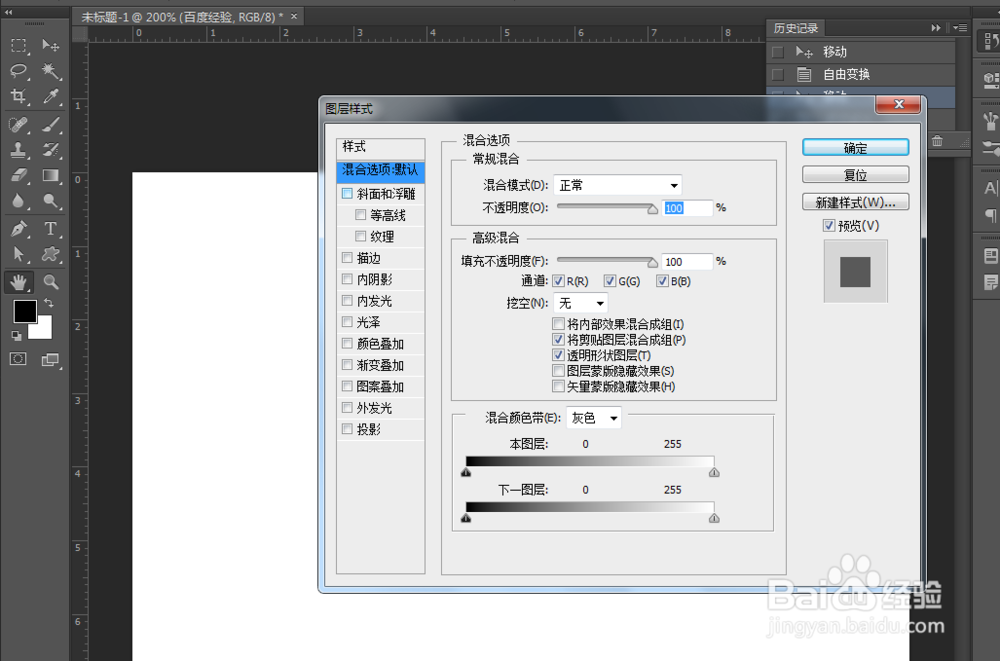
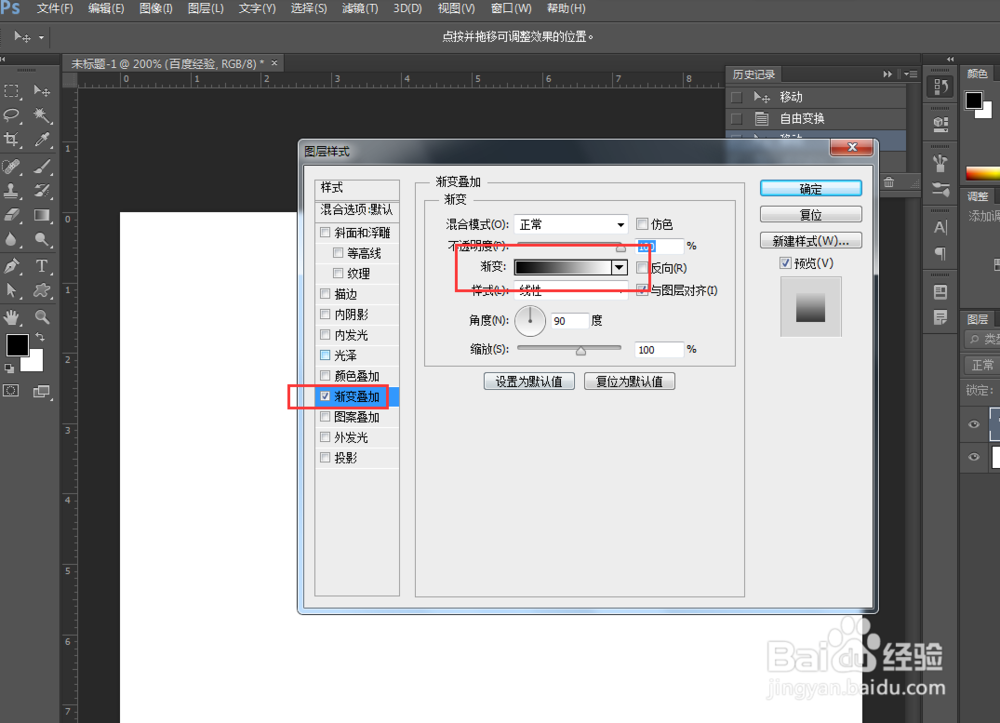
7、点击渐变叠加,并且调整金色,如图
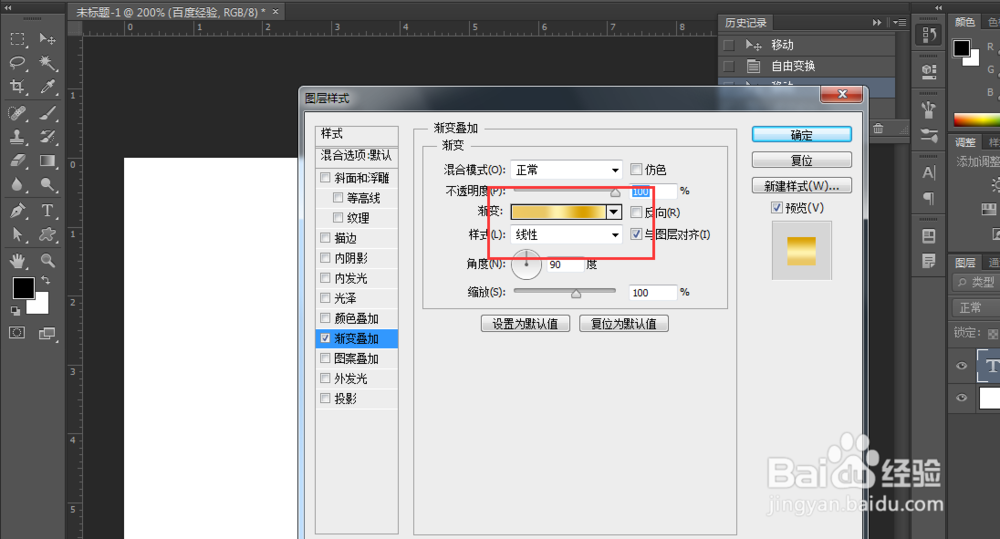
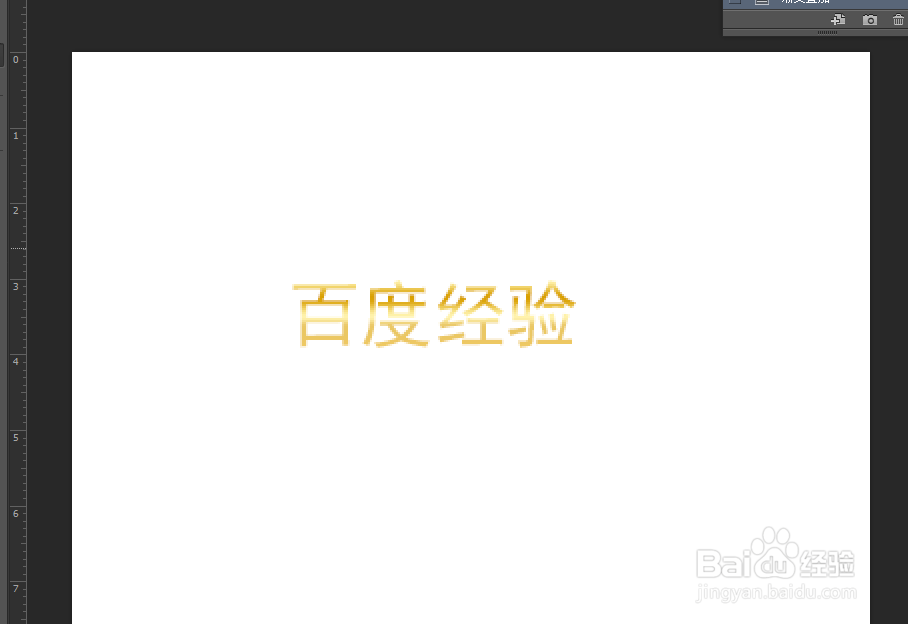
8、调整金色,点击确定,如图文字变为金色。
阅读量:184
阅读量:34
阅读量:34
阅读量:66
阅读量:178
1、打开软件,新建文件。如图
2、设置文件属性,如图
3、进入新建文件,如图
4、输入文字,如图
5、找到文字图层右击,弹出如图选项。
6、选中混合选项,进入混合选项,如图
7、点击渐变叠加,并且调整金色,如图
8、调整金色,点击确定,如图文字变为金色。