Snagit 2019 Editor怎么设置不显示通知
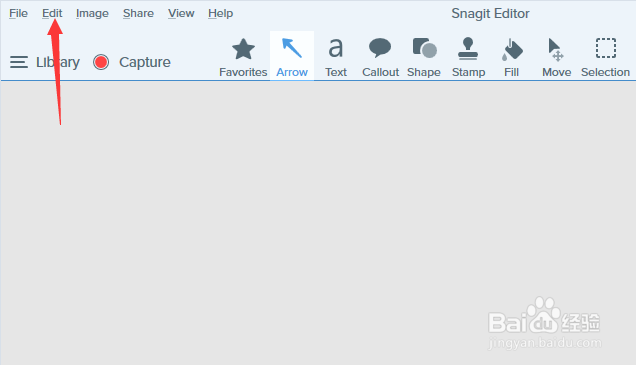
1、首先,点击菜单中的edit菜单
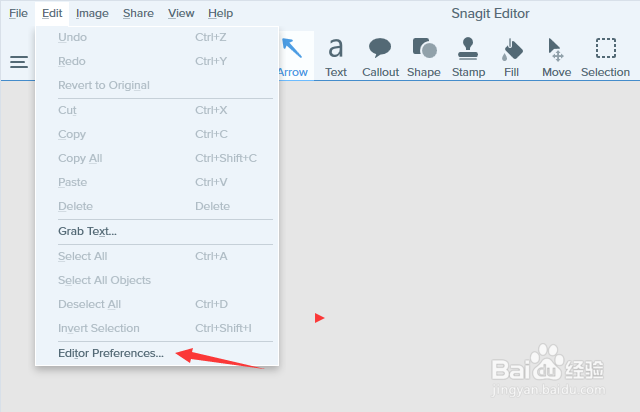
2、弹出了下拉菜单选中为edit preferences选项
3、勾选上dont show me notification选项

4、勾选上dont show me notification选之后,点击ok按钮

阅读量:155
阅读量:57
阅读量:183
阅读量:36
阅读量:30
1、首先,点击菜单中的edit菜单
2、弹出了下拉菜单选中为edit preferences选项
3、勾选上dont show me notification选项
4、勾选上dont show me notification选之后,点击ok按钮