DataGrip如何连接Greenplum,详细教程
1、首先打开datagrip软件

2、进入软件界面
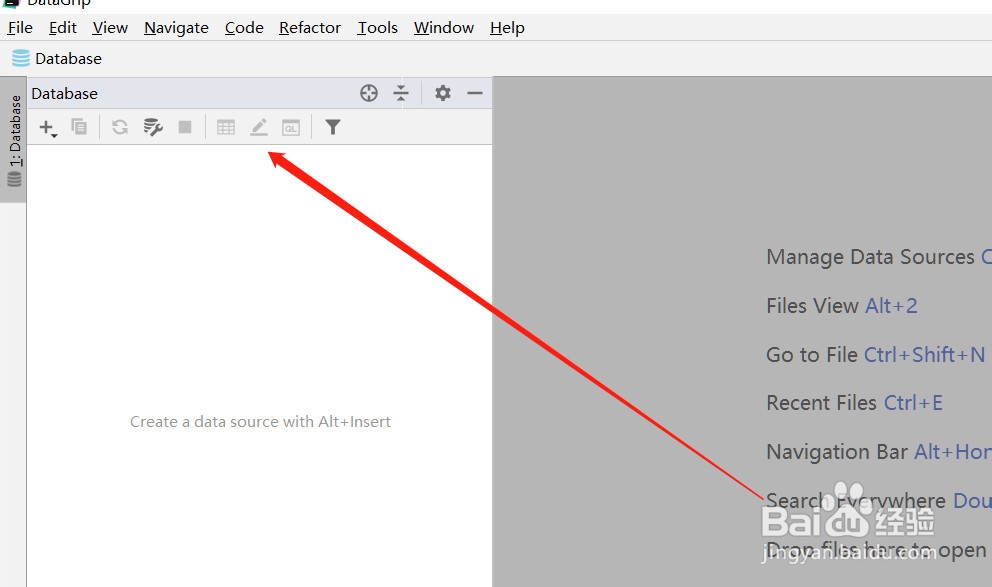
3、点击右上角【+】号按钮
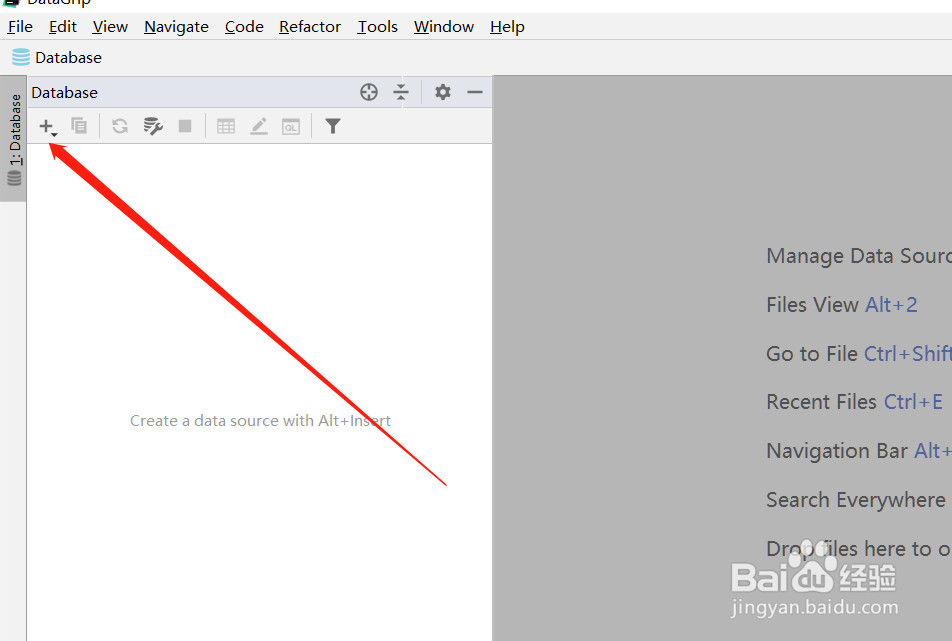
4、点击【data source】按钮

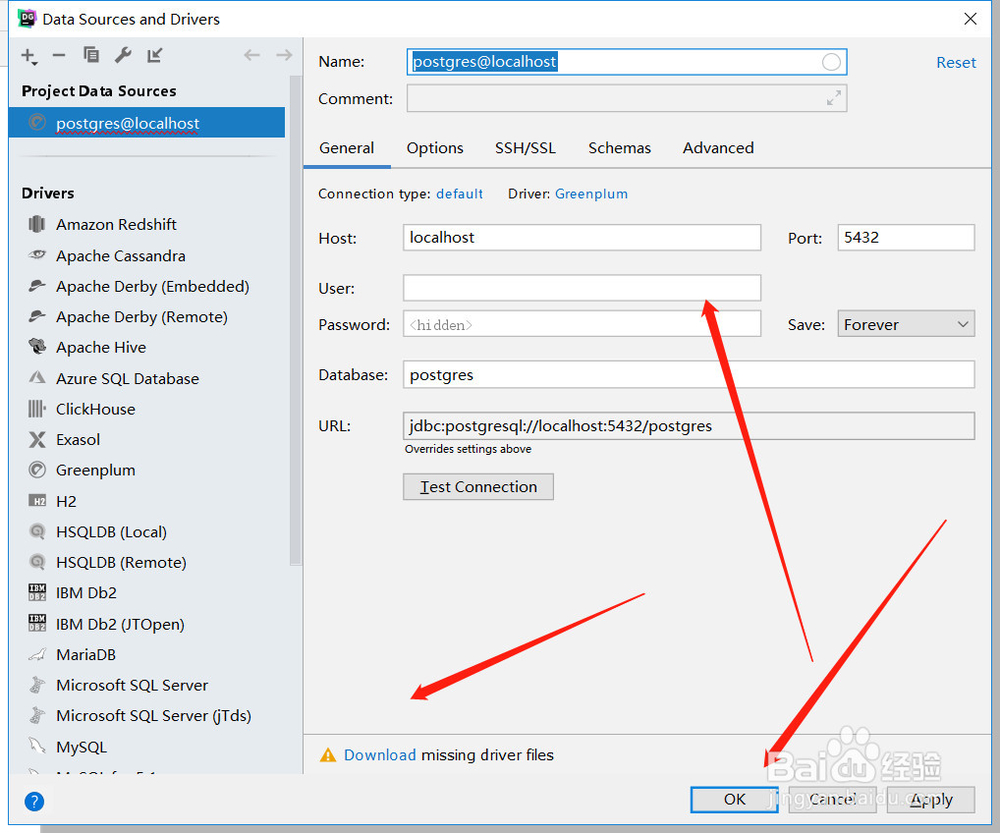
5、点击Greenplum按钮

6、设置连接信息,下载驱动,测试即可
阅读量:116
阅读量:162
阅读量:25
阅读量:189
阅读量:66
1、首先打开datagrip软件
2、进入软件界面
3、点击右上角【+】号按钮
4、点击【data source】按钮
5、点击Greenplum按钮
6、设置连接信息,下载驱动,测试即可