如何去apache官网下载httpd
1、打开apache的官网:
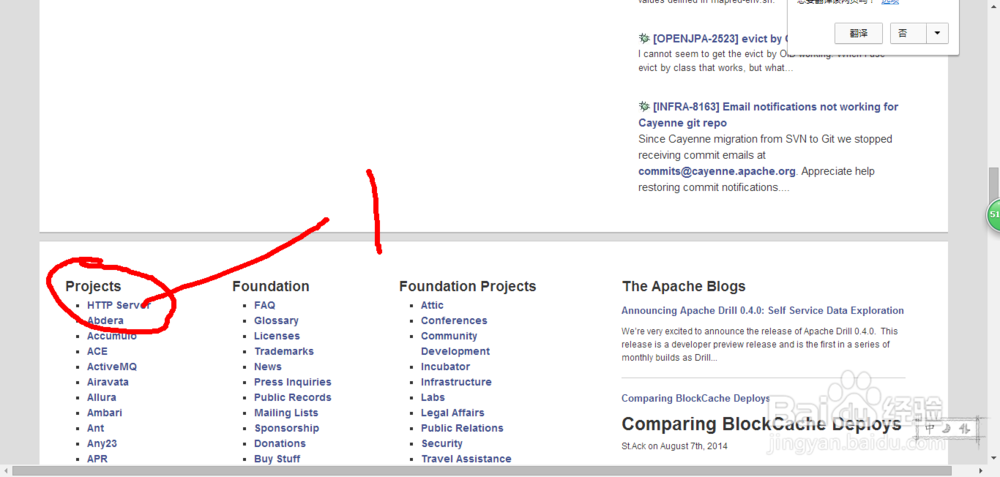
2、进入Projects下的HTTP Server项目主页:
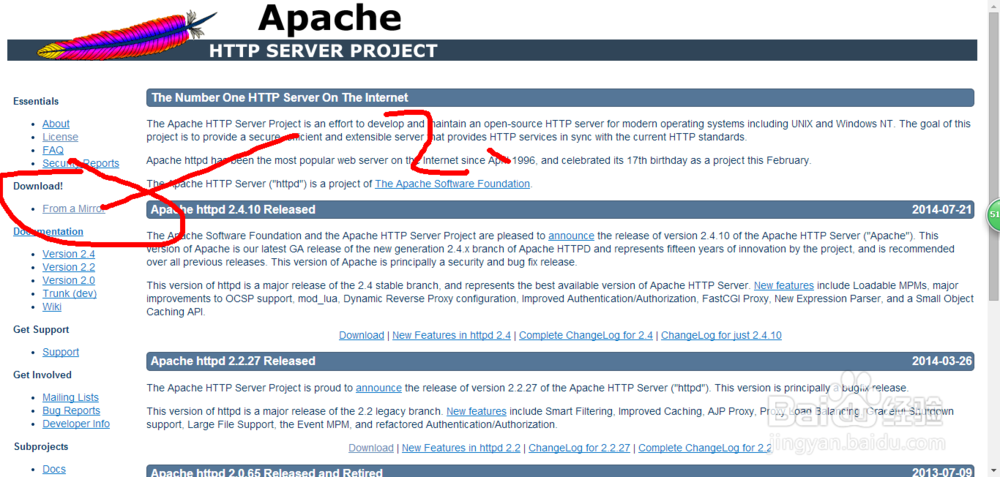
3、在左侧导航栏找到
Download!
点击进入
From a Mirror
下载页面
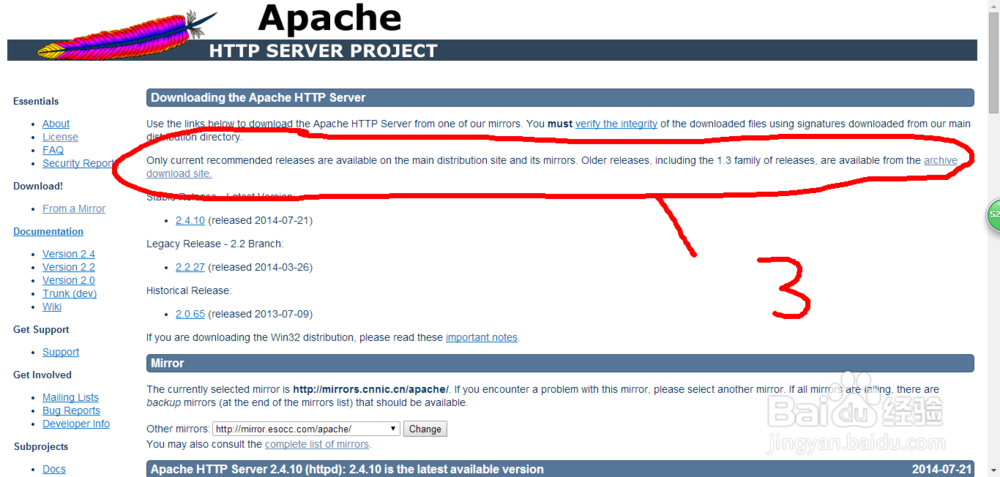
4、在
httpd.apache.org/download.cgi地址下
找到
Downloading the Apache HTTP Server
点击进入
archive download site
镜像下载站点的地址
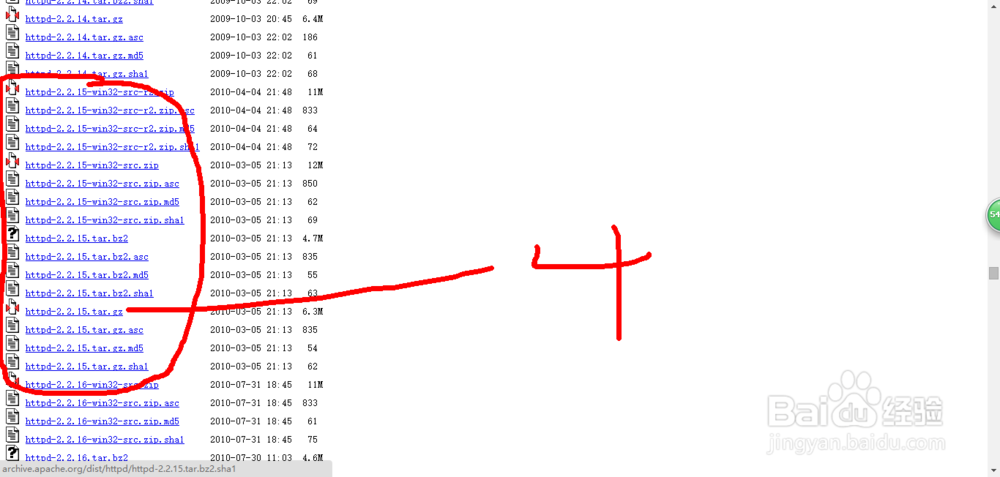
5、选择所需要的版本[根据自己的所需要的系统下载]
阅读量:127
阅读量:196
阅读量:37
阅读量:67
阅读量:20