Ubuntu标题栏显示CPU温度,内存使用,实时网速
1、按Ctrl+Alt+T,打开终端,添加软件源
sudo add-apt-repository ppa:alexeftimie/ppa

2、更新软件源
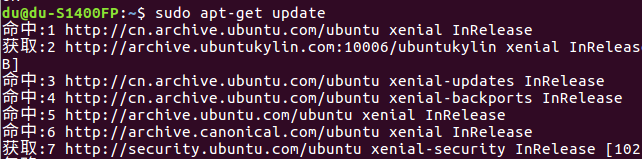
sudo apt-get update
3、安装软件
sudo apt-get install indicator-sysmonitor
4、通过启动器打开系统信息
在启动器搜索sys
然后选择indicator-sysmonitor
1、按Ctrl+Alt+T,打开终端,添加软件源
sudo add-apt-repository ppa:alexeftimie/ppa
2、更新软件源
sudo apt-get update
3、安装软件
sudo apt-get install indicator-sysmonitor
4、通过启动器打开系统信息
在启动器搜索sys
然后选择indicator-sysmonitor