MATLAB交互式输入(input)和调用函数文件
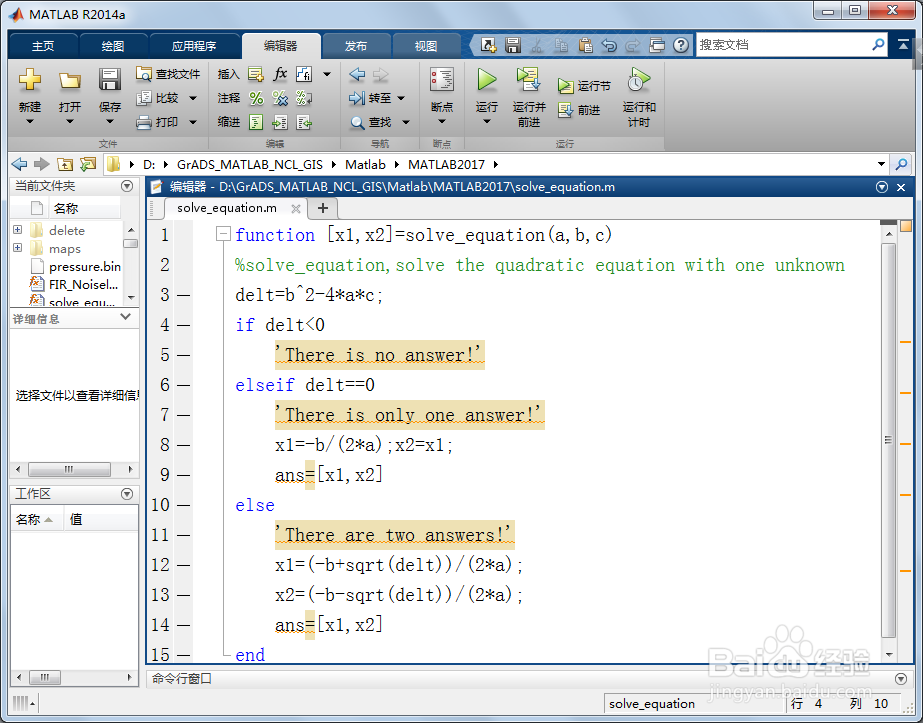
1、第一,编写求解一元二次方程的函数文件。启动MATLAB,新建脚本(Ctrl+N),输入如下代码:
function [x1,x2]=solve_equation(a,b,c)
%solve_equation,solve the quadratic equation with one unknown
delt=b^2-4*a*c;
if delt<0
'There is no answer!'
elseif delt==0
'There is only one answer!'
x1=-b/(2*a);x2=x1;
ans=[x1,x2]
else
'There are two answers!'
x1=(-b+sqrt(delt))/(2*a);
x2=(-b-sqrt(delt))/(2*a);
ans=[x1,x2]
end
保存上述函数文件(函数文件第一行是function引导的函数声明行),命名为solve_equation.m(函数文件名要与函数声明行中的函数定义名一致)。
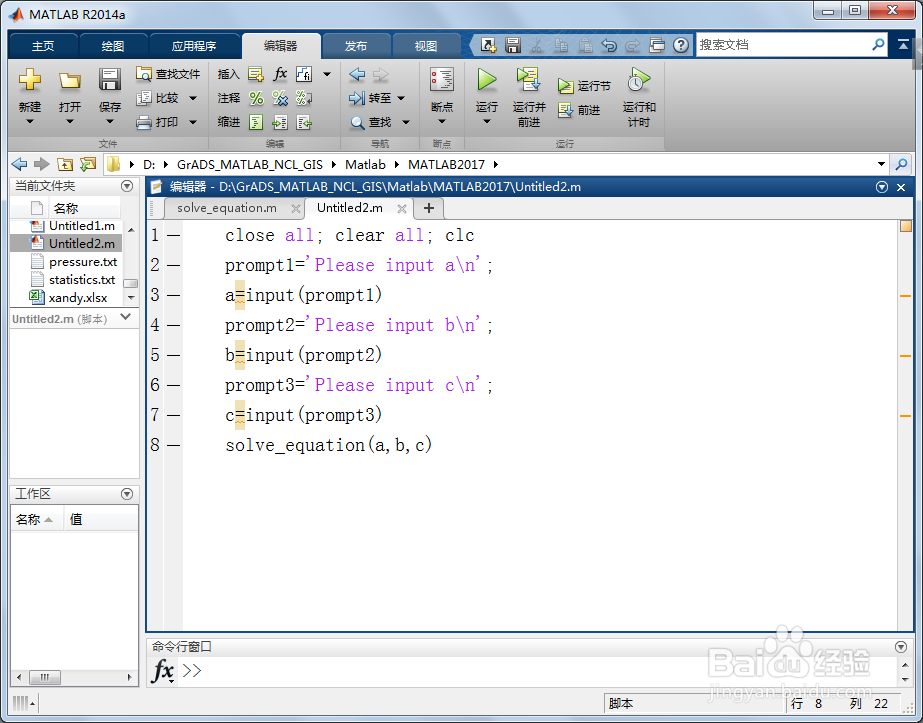
2、第二,编写交互式输入脚本。新建脚本(Ctrl+N),输入如下代码:
close all; clear all; clc
prompt1='Please input a\n';
a=input(prompt1)
prompt2='Please input b\n';
b=input(prompt2)
prompt3='Please input c\n';
c=input(prompt3)
solve_equation(a,b,c)
上述脚本通过input( )提示输入变量a,b,c(即一元二次方程的系数),然后调用函数文件solve_equation.m,进而求解一元二次方程的根。
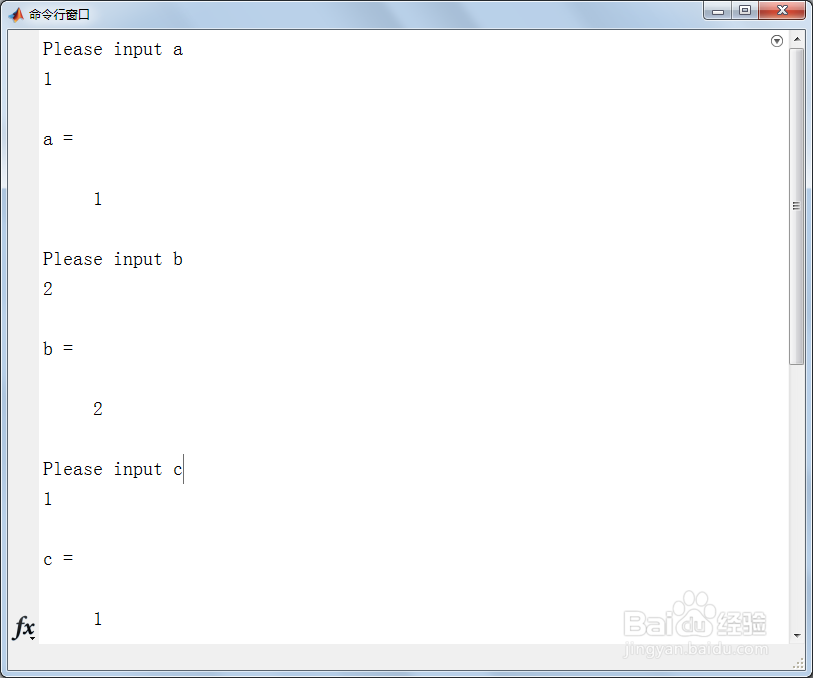
3、第三,保存和运行上述交互式输入脚本,在命令行窗口(Command Window)输入以下a,b,c的值。
Please input a
1
a =
1
Please input b
2
b =
2
Please input c
1
c =
1
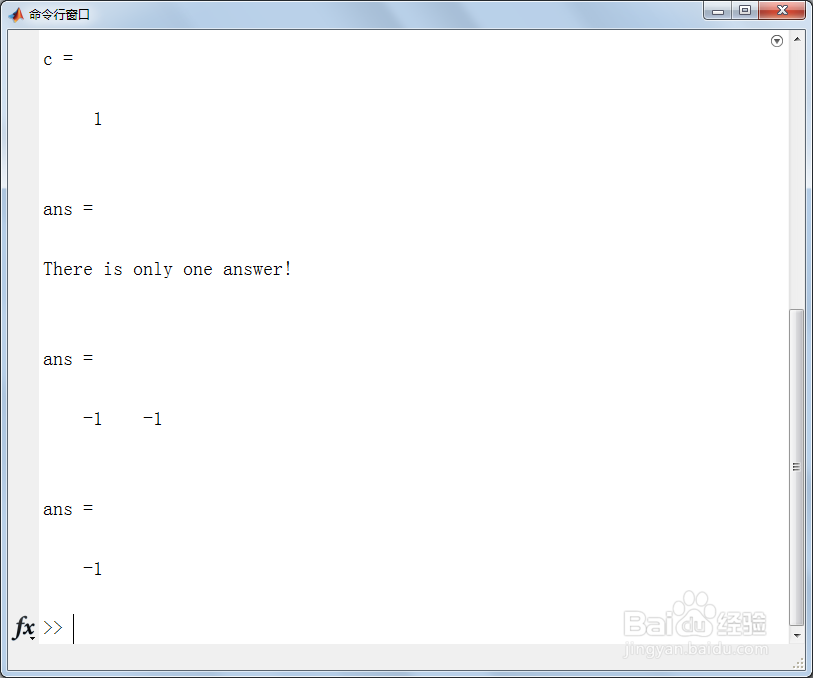
4、第四,a,b,c输入完毕后,在命令行窗口(Command Window)返回如下结果:
There is only one answer!
ans =
-1 -1
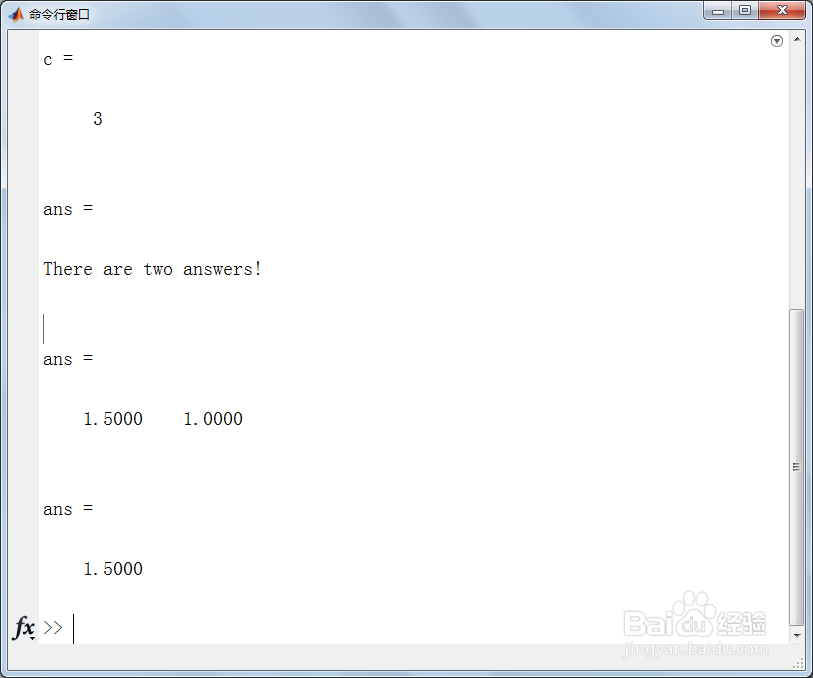
5、第五,如果输入a=2,b=-5,c=3(即求2x^2-5x+3=0的根),在命令行窗口(Command Window)返回如下结果:
There are two answers!
ans =
1.5000 1.0000