如何在Windows 10上关闭平板电脑模式
1、再任务栏搜索“快速操作”,并打开。
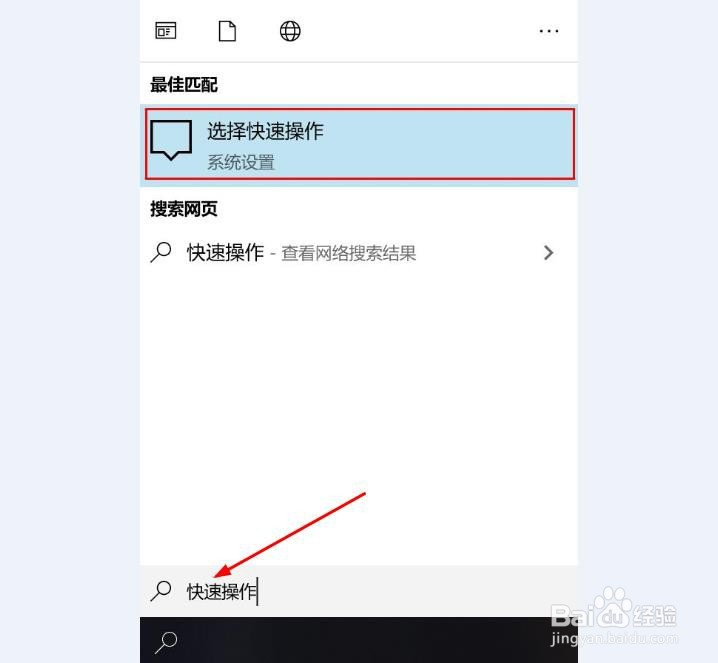
2、点击“添加或删除快速操作”
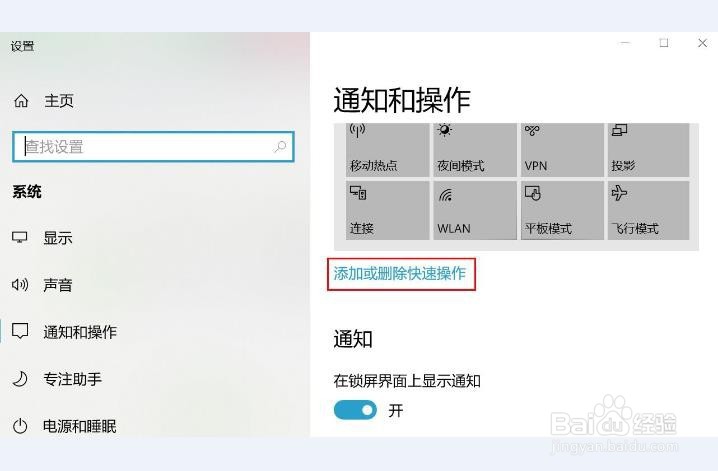
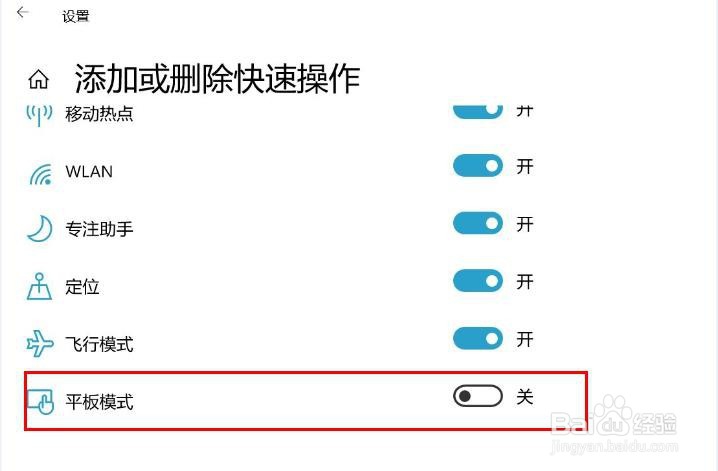
3、将“平版模式”下的开关关闭或打开。
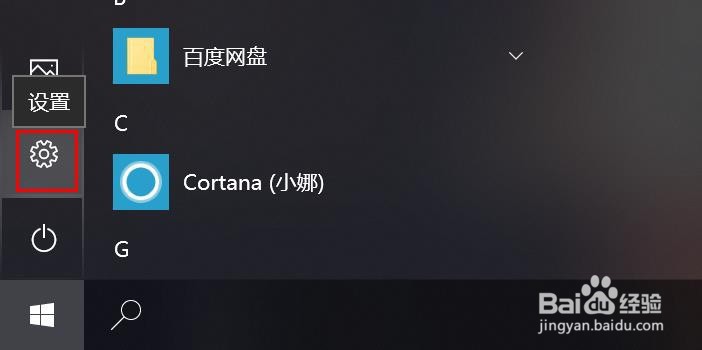
1、点击“开始”打开“设置”。
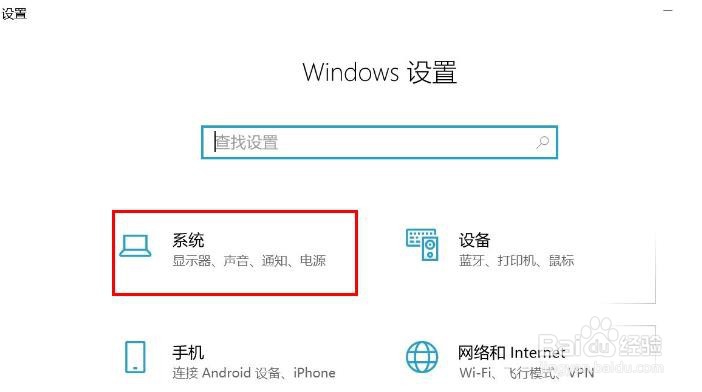
2、点击“系统”。
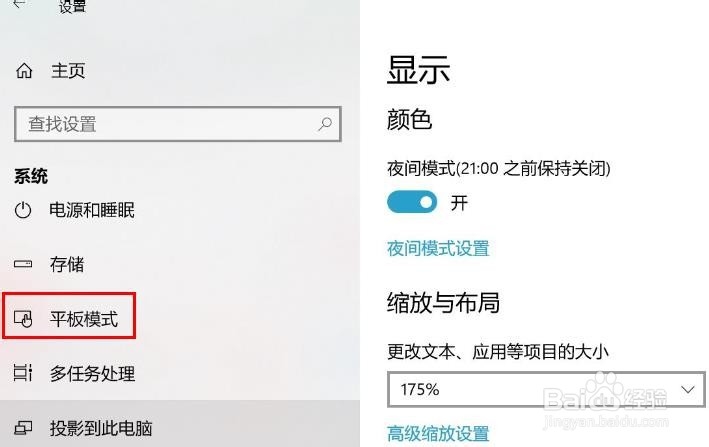
3、在左侧栏里选择"平板模式“。
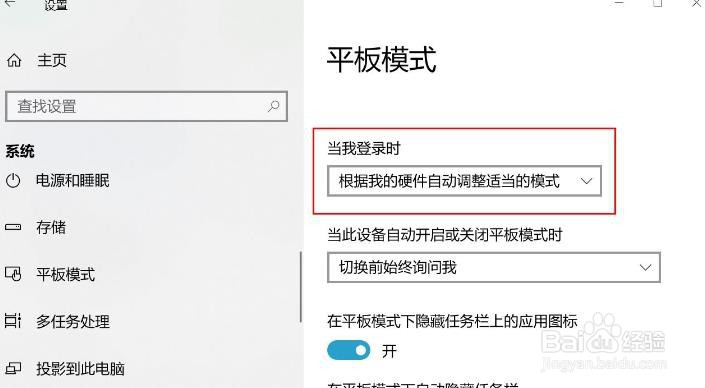
4、您可以在此处直接将平板电脑模式设置为开/关。
1、再任务栏搜索“快速操作”,并打开。
2、点击“添加或删除快速操作”
3、将“平版模式”下的开关关闭或打开。
1、点击“开始”打开“设置”。
2、点击“系统”。
3、在左侧栏里选择"平板模式“。
4、您可以在此处直接将平板电脑模式设置为开/关。