树莓派仪表盘怎么安装
1、首先点击这里打开pi客户端

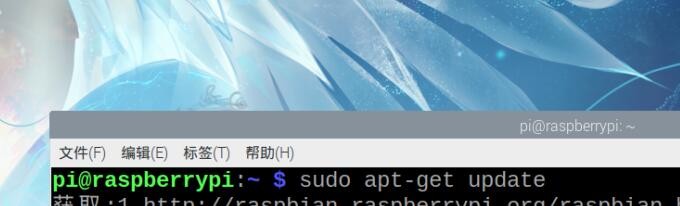
2、输入这段代码sudo apt-get update
等待安装
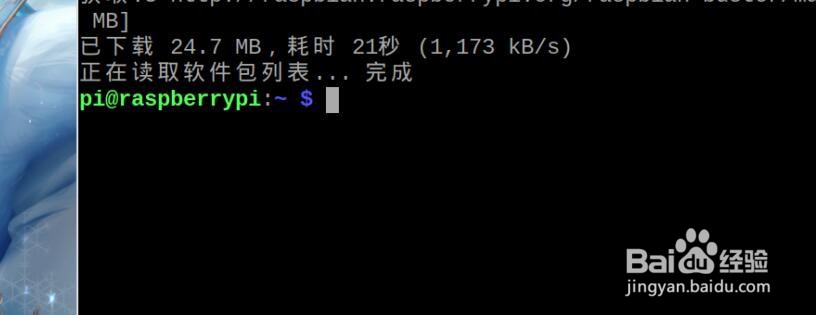
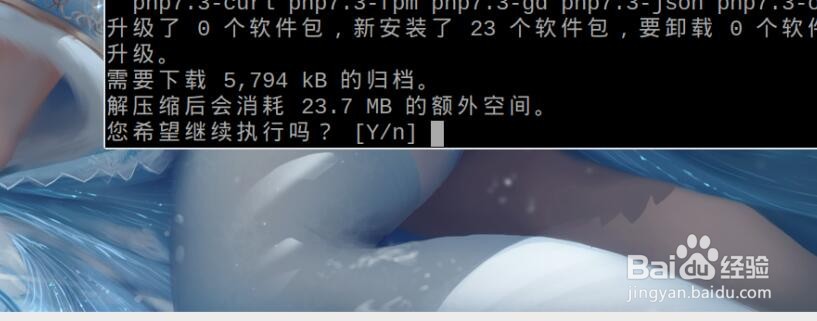
3、再输入sudo apt-get install nginx php7.3-fpm php7.3-cli php7.3-curl php7.3-gd php7.3-cgi
中途会让你确认,确认一下
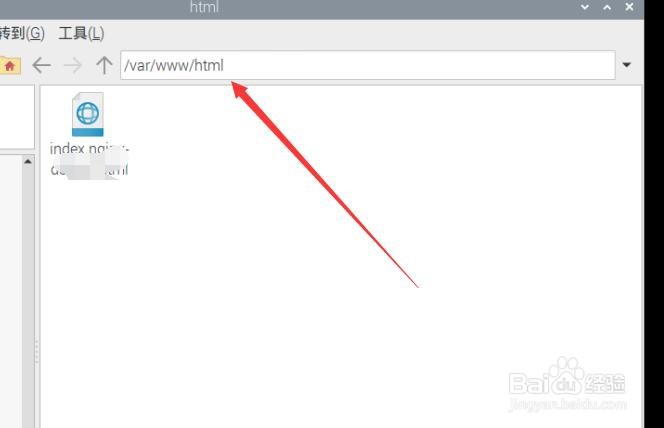
4、回到树莓派打开文件夹,从根目录开始找Var/www/html
双击这个也能打开上面一样的地方
5、依次从根目录找到最后的default文件
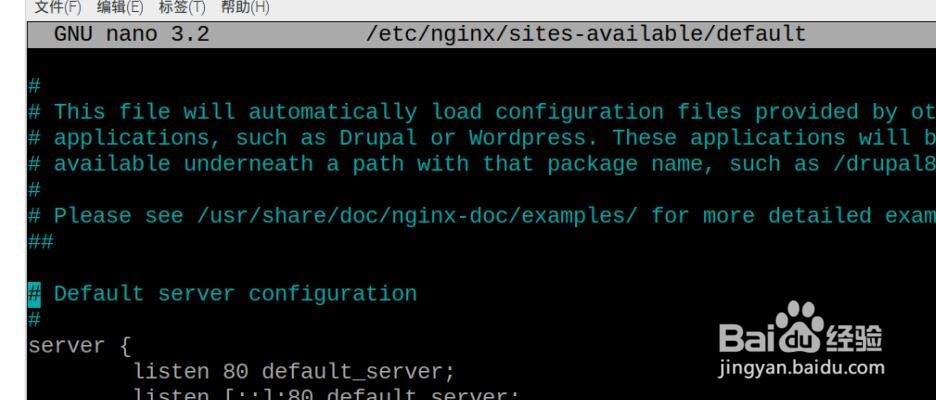
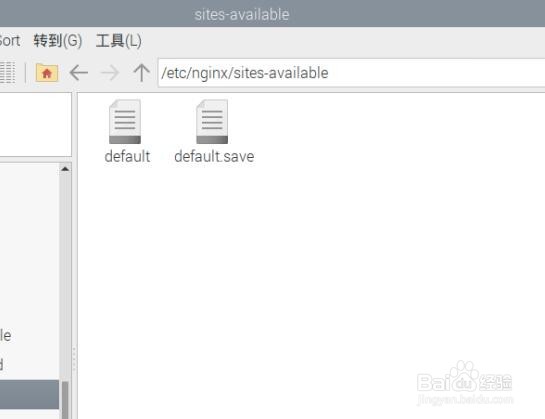
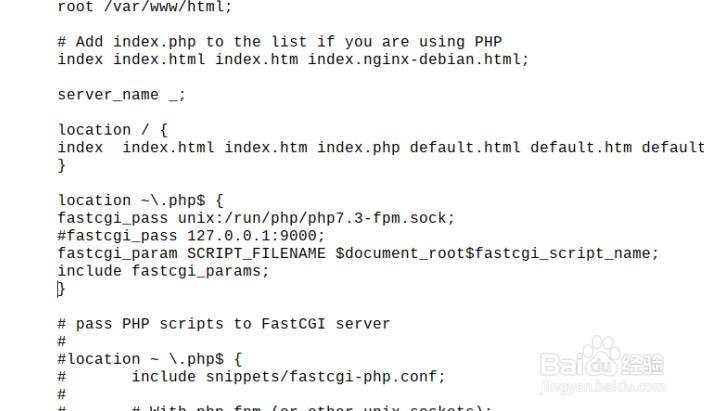
6、把location / { # First attempt to serve request as file, then # as directory, then fall back to displaying a 404. try_files $uri $uri/ =404; }
替换成
location / {index index.html index.htm index.php default.html default.htm default.php;} location ~\.php$ {fastcgi_pass unix:/run/php/php7.3-fpm.sock;#fastcgi_pass 127.0.0.1:9000;fastcgi_param SCRIPT_FILENAME $document_root$fastcgi_script_name;include fastcgi_params;}
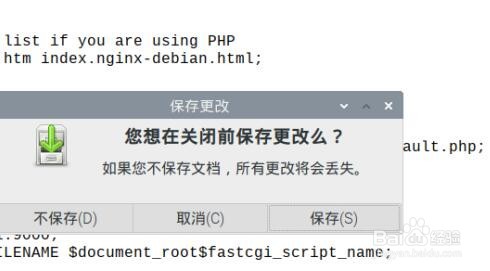
7、保存最后重启 Nginx 即可
1、1.打开pi客户端
2.输入指定代码安装
3.打开指定文件修改代码
4.重启即可