Linux 源码安装python3.6.10方法
1、操作系统版本是centos7.1的

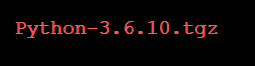
2、准备3.6.10的源码包Python-3.6.10.tgz 要和自己操作系统版本对应
3、解压并进入目录
tar zxf Python-3.6.10.tgz
cd Python-3.6.10

4、配置、指定安装路径
./configure --prefix=/usr/local/python3.6.10
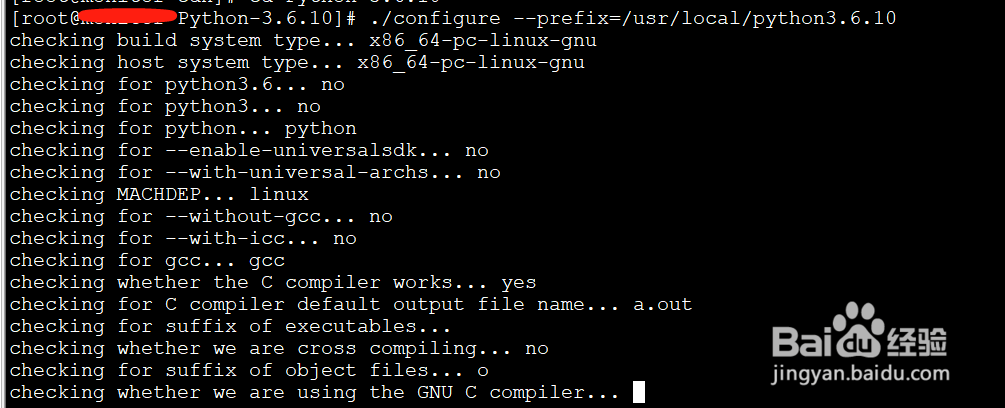
5、make才是真正意义上的编译,configure只是配置产生Makefile而已。
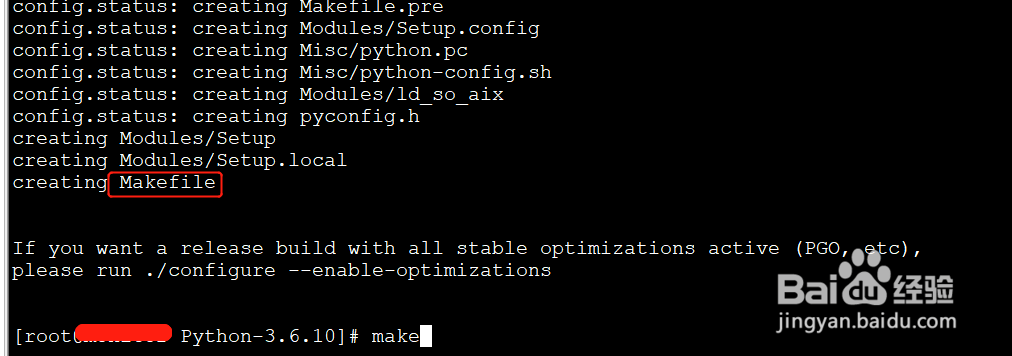
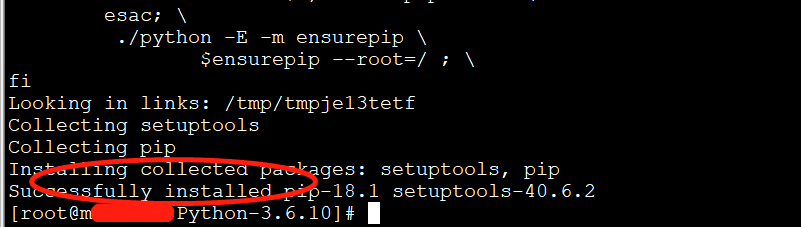
6、执行完成之后执行make install
make install执行完出现Successfully installed 表明安装成功了
7、创建python3的开发环境
/usr/local/python3.6.10/bin/python3.6 -m venv python3

阅读量:35
阅读量:89
阅读量:21
阅读量:159
阅读量:69