excel 2019怎么在指定位置插入行?
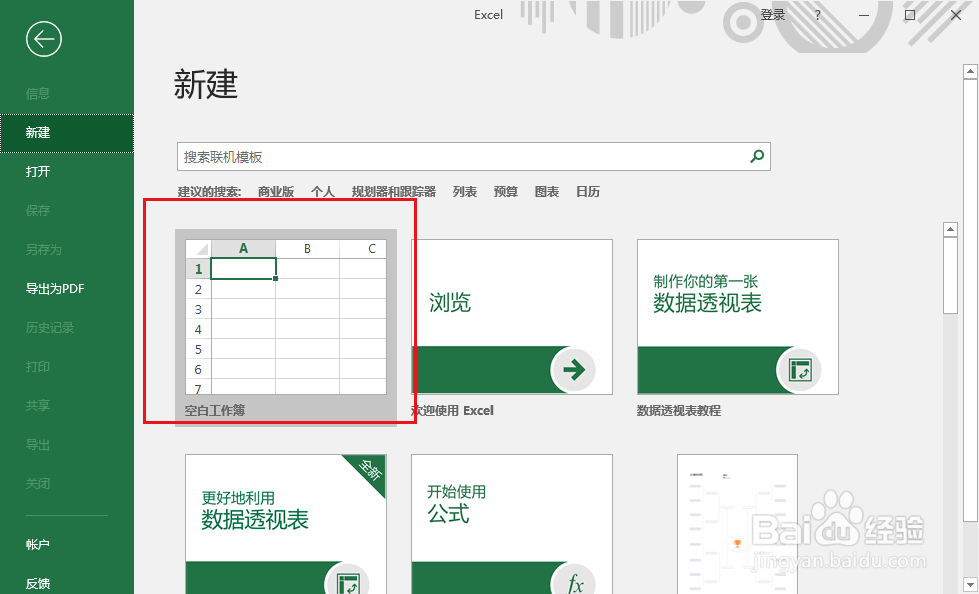
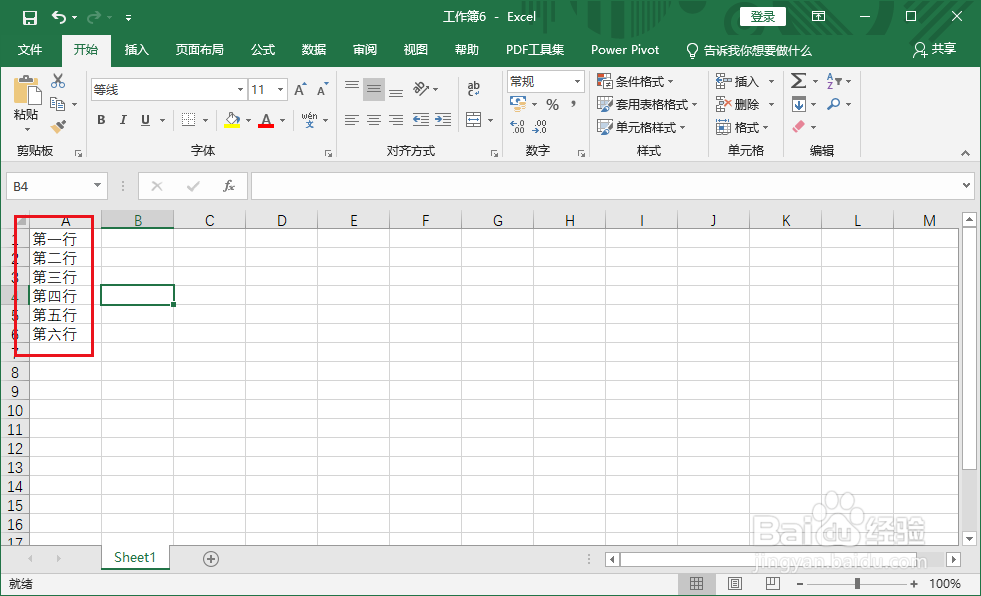
1、打开 excel,新建表格。
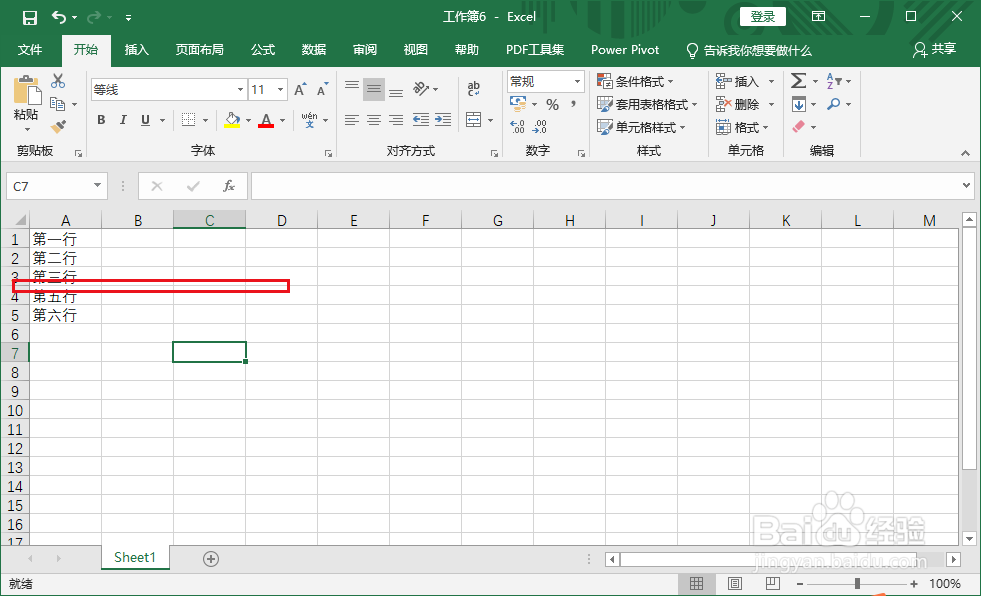
2、这里要在第三行和第五行之间插入一行。
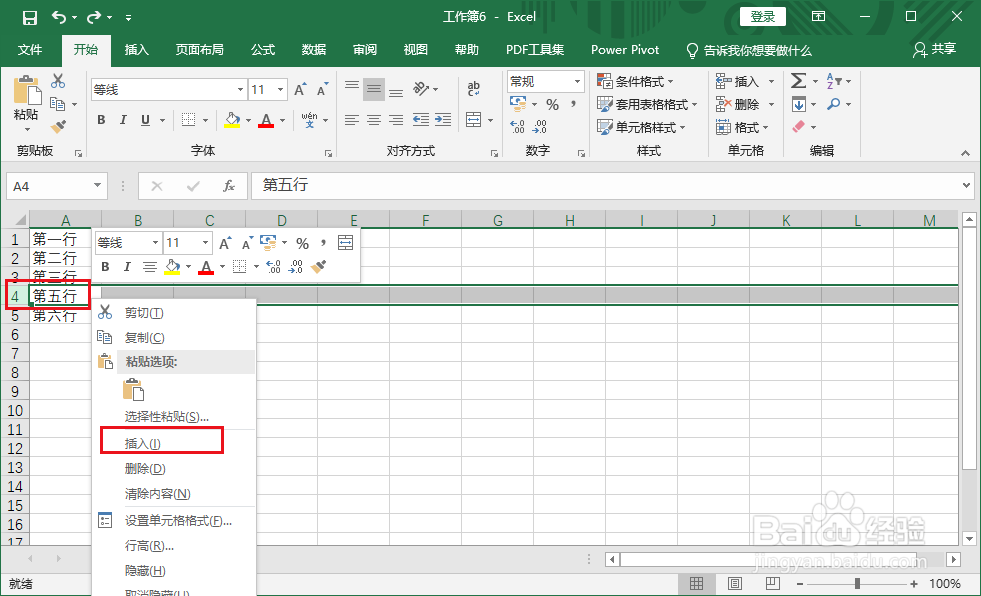
3、右击第五行,在右键菜单中选择插入选项。
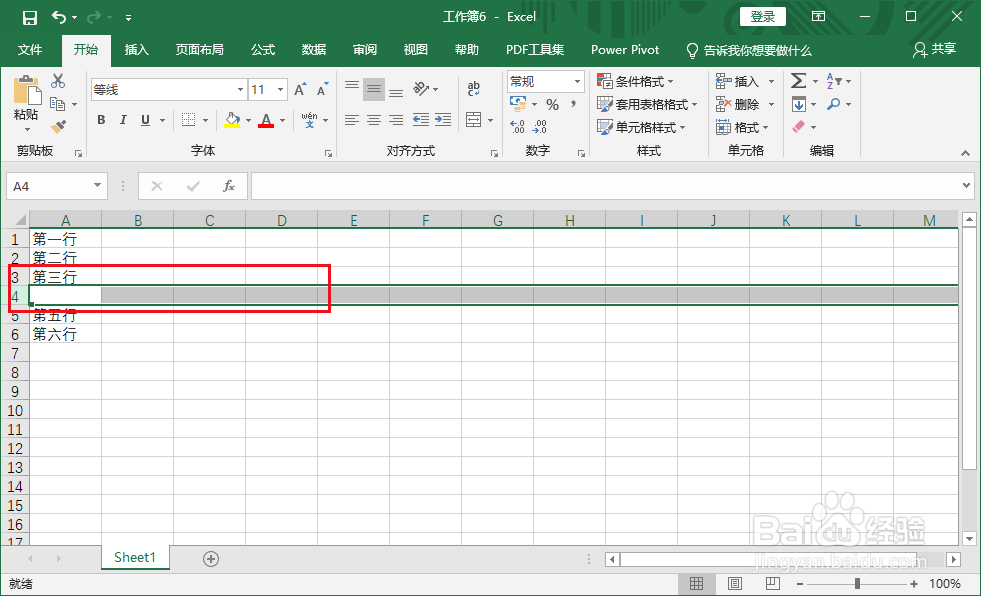
4、成功插入一行。
5、输入对应的内容即可。
1、1.新建表格。
2.选择要插入行的位置。
3.右击选择插入。
4.成功插入行。
阅读量:30
阅读量:196
阅读量:105
阅读量:97
阅读量:178
1、打开 excel,新建表格。
2、这里要在第三行和第五行之间插入一行。
3、右击第五行,在右键菜单中选择插入选项。
4、成功插入一行。
5、输入对应的内容即可。
1、1.新建表格。
2.选择要插入行的位置。
3.右击选择插入。
4.成功插入行。