源码安装python2.7
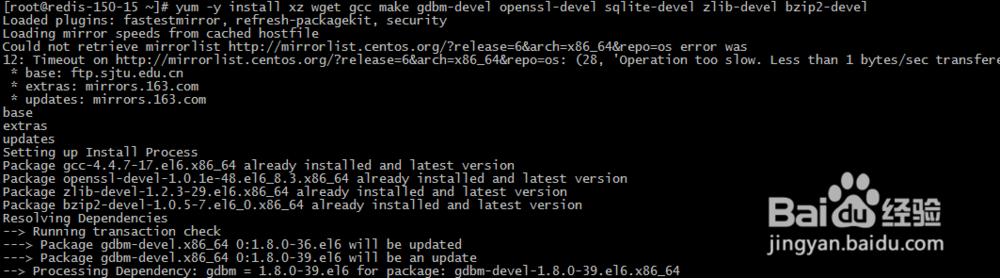
1、在安装python2.7之前,我们先安装所需要的的各种依赖包:
yum -y install xz wget gcc make gdbm-devel openssl-devel sqlite-devel zlib-devel bzip2-devel
2、依赖软件包安装完成后,下载pytho2.7源码包
wget http://mirrors.sohu.com/python/2.7.12/Python-2.7.12.tar.xz
tar -xf Python-2.7.12.tar.xz
cd Python-2.7.12
./configure --enable-shared --enable-loadable-sqlite-extensions --with-zlib


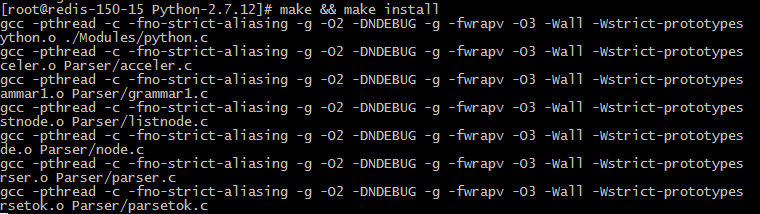
3、配置完毕后,开始进行编译和安装:
make && make install
4、centos6x python默认版本为python2.6.6,需要修改系统默认python版本
执行以下命令,对python2.6进行备份,然后为python2.7创建软链接:
mv /usr/bin/python /usr/bin/python2.6.6
ln -s /usr/local/bin/python2.7 /usr/bin/python

5、执行python –V命令,报错:
python: error while loading shared libraries: libpython2.7.so.1.0: cannot open shared object file: No such file or directory

6、需要编辑/etc/ld.so.conf增加一行/usr/local/lib
vim /etc/ld.so.conf
include ld.so.conf.d/*.conf
/usr/local/lib

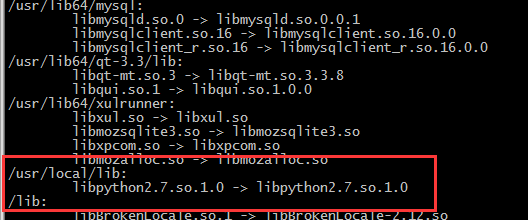
7、ld.so.conf文件配置完毕后,我们需要执行如下命令:
/sbin/ldconfig
/sbin/ldconfig -v
然后再执行python –V命令,查看python版本如下
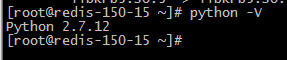
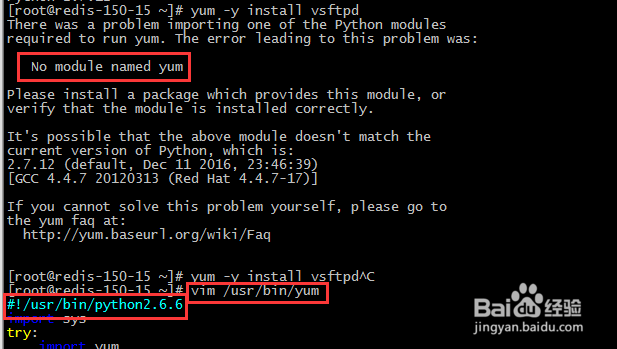
8、python升级到2.7.12会导致之前的yum无法使用,所以yum配置里改成python2.6.6
vim /usr/bin/yum
#!/usr/bin/python2.6.6