如何正确删除oracle归档文件解决ora-00257问题
昨晚往数据库里面写大量数据的时候话时间的太多,于是我直接终止了。但当然我去查询运行结果的时候却要等超久!于是我退出想重新登录试下看!OMG,没想到碰到这样的问题!
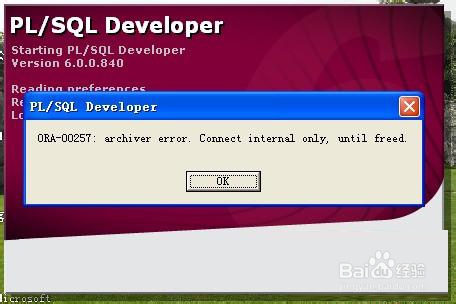
ORA-00257
这个是什么原因呢?看官方的解释吧!
ORA-00257: archiver error. Connect internal only, until freed.Cause: The archiver process received an error while trying to archive a redo log. If the problem is not resolved soon, the database will stop executing transactions. The most likely cause of this message is the destination device is out of space to store the redo log file.Action: Check the archiver trace file for a detailed description of the problem. Also, verify that the device specified in the initialization parameter archive_log_dest is set up properly for archiving.
大致的意思就是oracle想保存redo file的时候失败了,叫我们去检查archive_log_dest是否有问题。
快速的查找问题的方法就是用sys登录oracle。并执行以下命令!
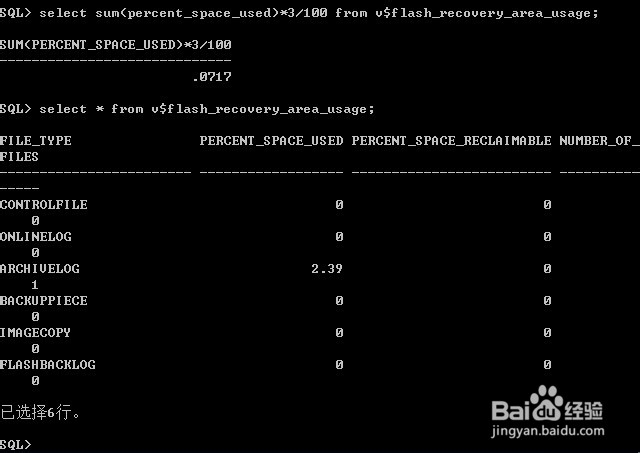
select * from v$flash_recovery_area_usage;
结果如下:
SQL> select * from v$flash_recovery_area_usage;
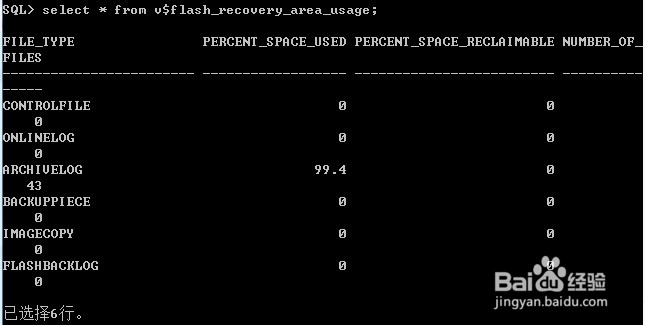
我们可以再次确认一下!
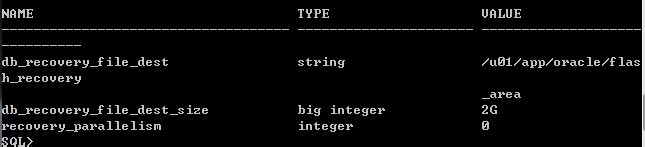
select sum(percent_space_used)*3/100 from v$flash_recovery_area_usage 可以查看archivelog占了多大的空间,而show parameter recover可以知道系统分配了多少archivelog空间。
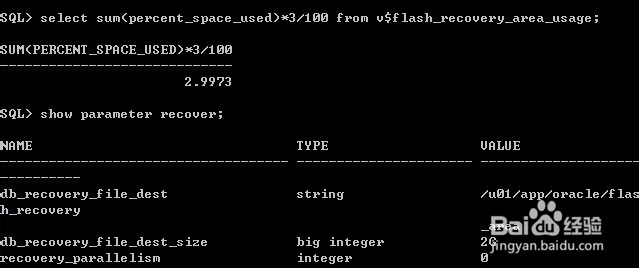
定位archivelog!show parameter recover可以看到db_recovery_file_dest的路径。我电脑里面的路径是:/u01/app/oracle/flash_recovery_area;
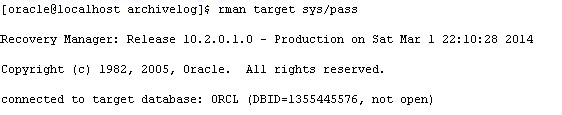
删除无用的archivelog。进入rman,命令如下图:
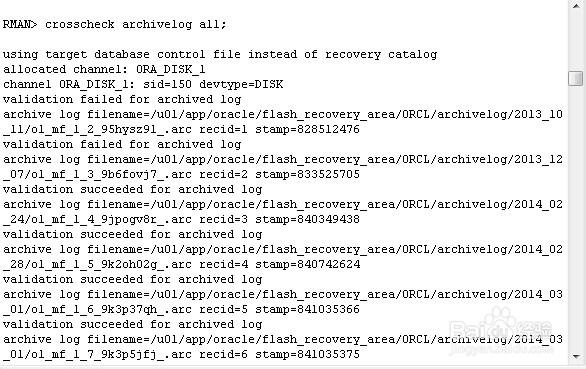
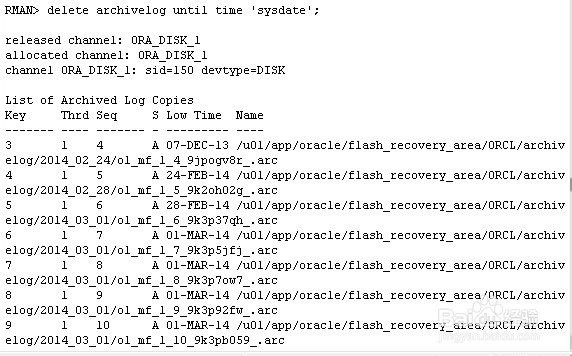
删过期的log!一下的命令是删除过期的log,没有指定日期。
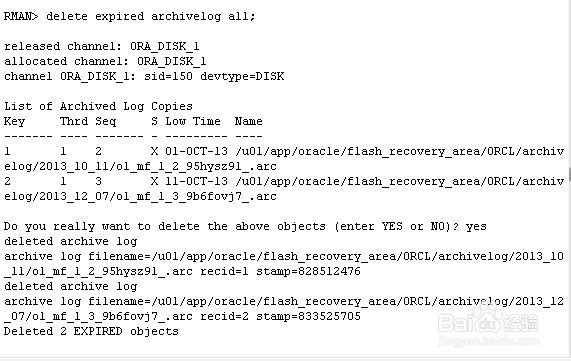
删除了archivelog之后我们再回来看看。空间只有0.0717G,使用率只有2.39%。
再次登录成功!