Keep缓存管理怎么清空社区缓存
1、打开一个的Keep的界面中,点击右下角中的 我的 选项

2、进入到了Keep的界面中,点击左上角中的 设置

3、进入到了设置界面中,点击 通用设置 选项

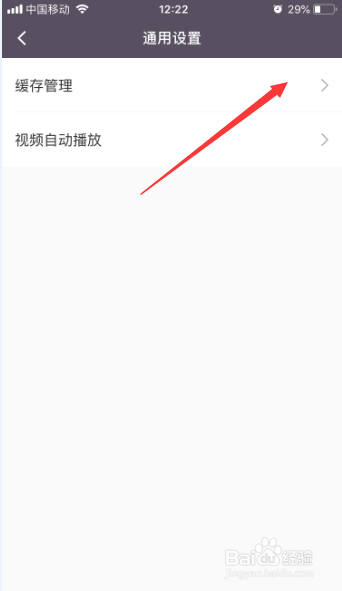
4、进入到了通用设置界面中,点击 缓存管理 选项
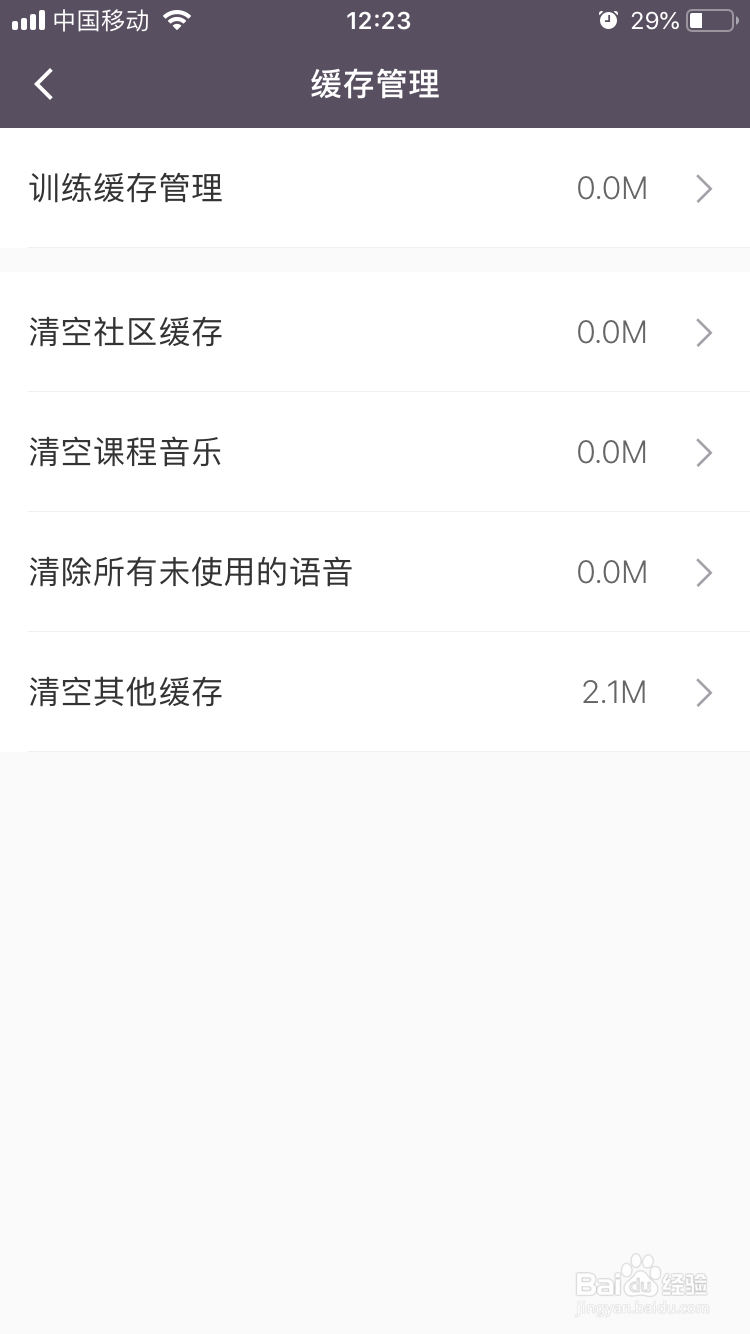
5、进入到了缓存管理界面中,点击 清空社区缓存 选项

6、弹出了的确认窗口中,点击 清除 选项

7、可以看到是对于缓存就清除完成了
1、点击右下角中的 我的 选项
点击左上角中的 设置
点击 通用设置 选项
点击 缓存管理 选项
点击 清除 选项
阅读量:89
阅读量:60
阅读量:67
阅读量:26
阅读量:181