Centos使用Python 如何安装Vundle?安装插件
1、1. 使用远程工具连接到服务器
2、2. 输入命令后回车: git clone https://github.com/gmarik/Vundle.vim.git ~/.vim/bundle/Vundle.vim下载Vundle。它是一个vim的插件管理器,可以快速下载和安装vim相关的插件
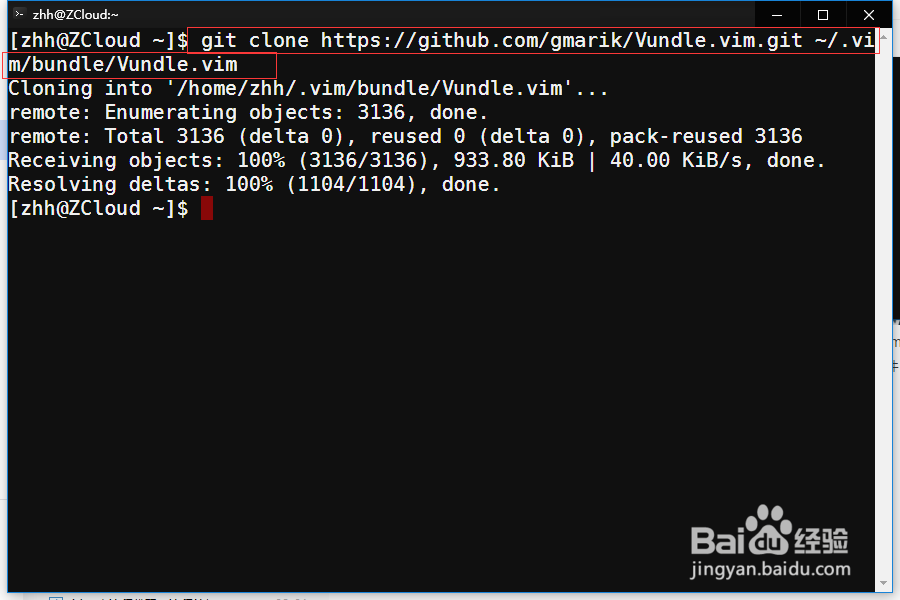
3、3.查看路径~/.vim/bundle/ 中已经存在下载的Vundle.vim文件

4、4. 接下来将vim的配置文件添加到用户的~路径下,及home文件夹中:touch ~/.vimrc
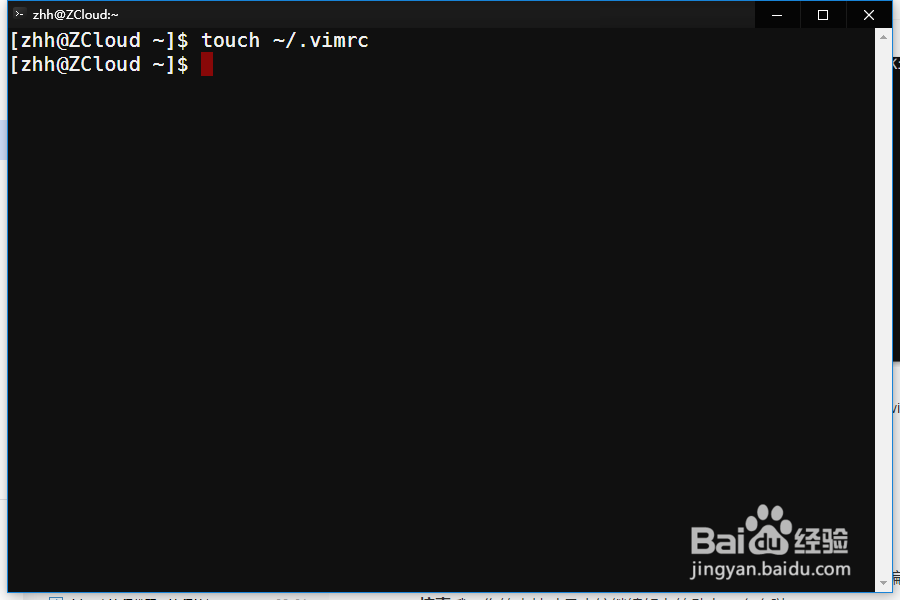
5、5. 使用命令打开vim的配置文件:touch ~/.vimrc

6、6. 步骤5后,输入以下完成Vundle使用前的配置信息:set nocompatible " requiredfiletype off " required" set the runtime path to include Vundle and initializeset rtp+=~/.vim/bundle/Vundle.vimcall vundle#begin()" alternatively, pass a path where Vundle should install plugins"call vundle#begin('~/some/path/here')" let Vundle manage Vundle, requiredPlugin 'gmarik/Vundle.vim'" Add all your plugins here (note older versions of Vundle used Bundle instead of Plugin)" All of your Plugins must be added before the following linecall vundle#end() " requiredfiletype plugin indent on " required
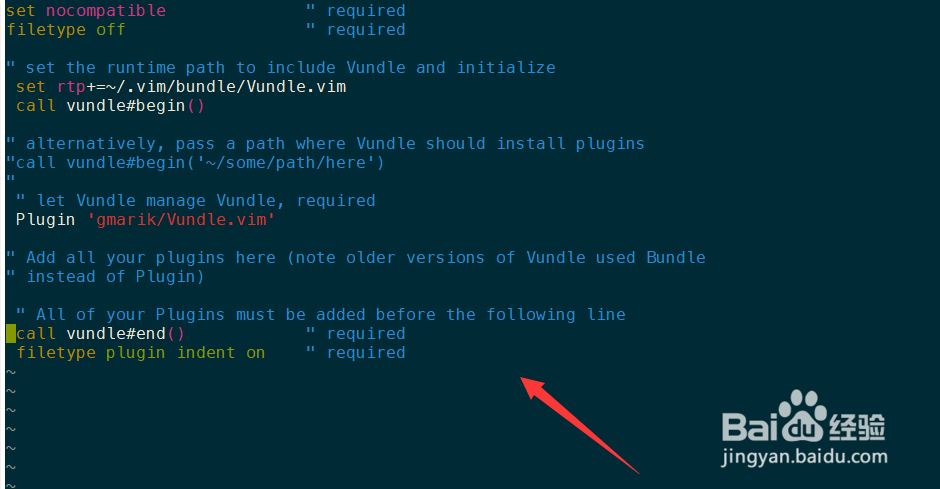
7、7. 保存步骤6中的文件后,打开vim的编辑器,运行命令: :PluginInstall 。这个命令会自动下载所有的插件并为你安装好的插件进行更新。

8、8. 如果您觉得有用,记得在下方点击投票、点赞、关注、留言,小编会定期奉上更多的惊喜哦,您的支持才是小编继续努力的动力,么么哒。