WebStorm怎么关闭在属性值后自动移动逗号
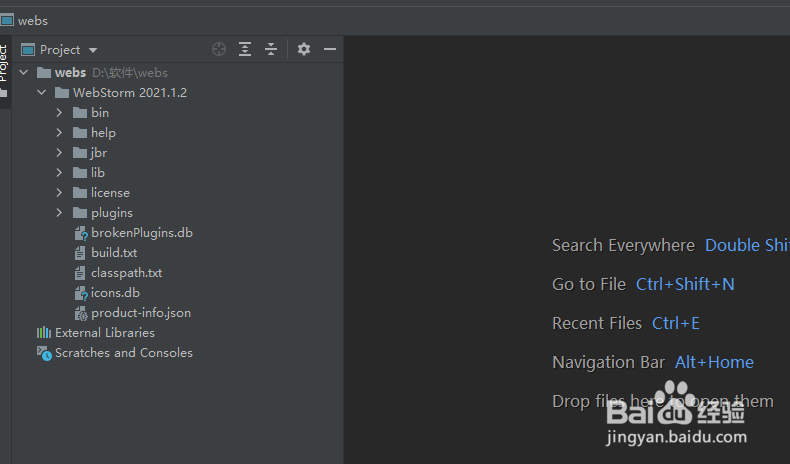
1、打开一个WebStorm的界面中
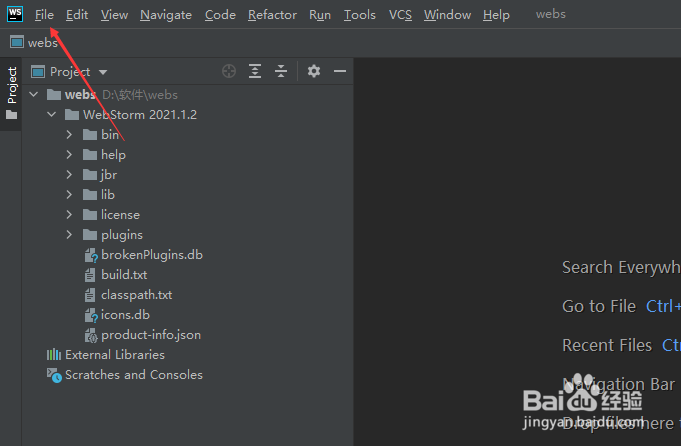
2、点击左上角中file菜单
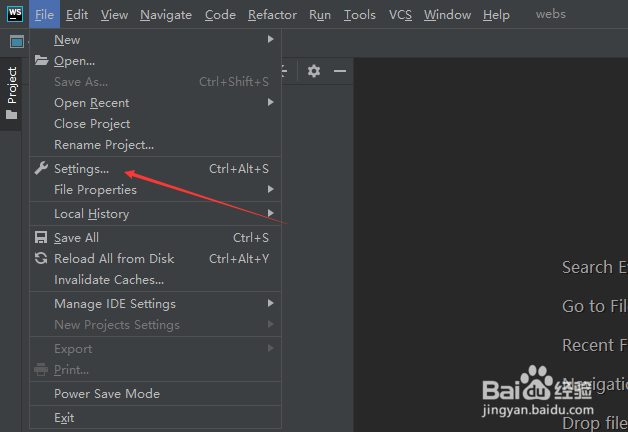
3、弹出了下拉菜单选中settings选项
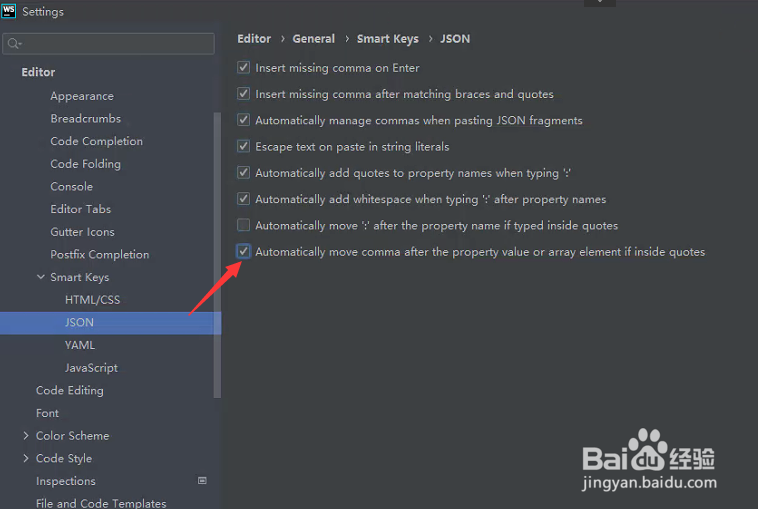
4、点击左侧中的json选项
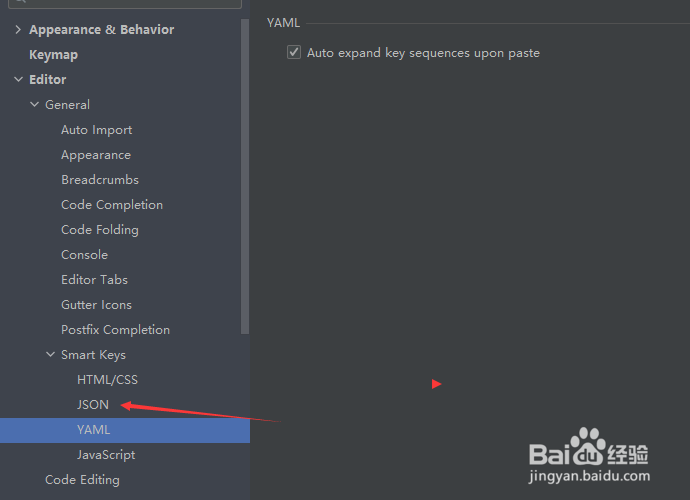
5、去掉automatically move comma after the property value or array element if inside quotes选项
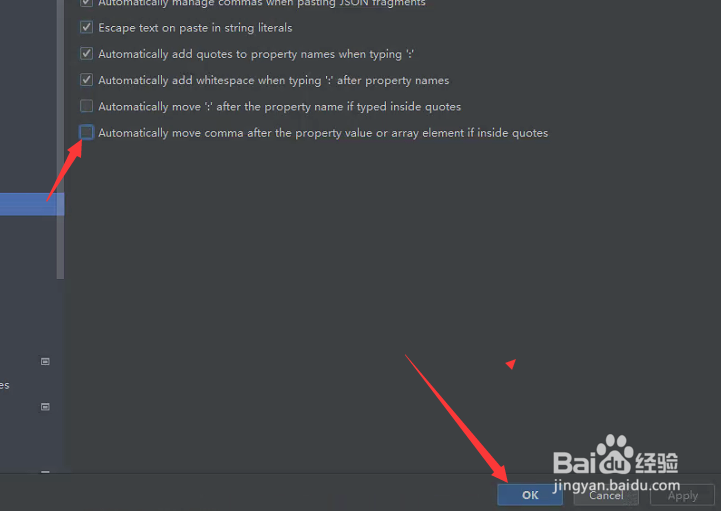
6、去掉automatically move comma after the property value or array element if inside quotes选项之后,点击ok
阅读量:196
阅读量:145
阅读量:20
阅读量:69
阅读量:41