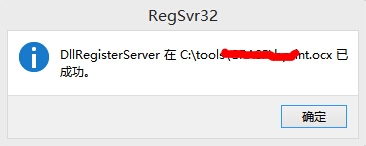
Windows8.1注册控件(dll,ocx等)失败解决
1、按下Windows徽标键后,再按下字母“Q”键,进行查找,输入cmd。
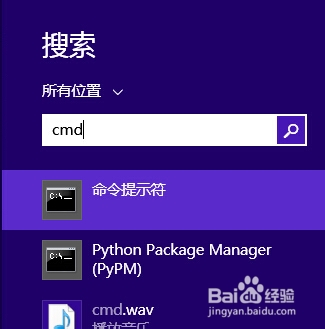
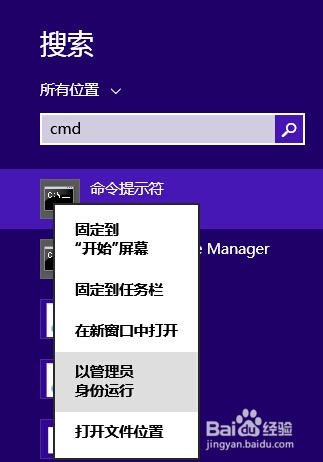
2、选择“命令提示符”,按下鼠标右键,选择“以管理员身份运行”。
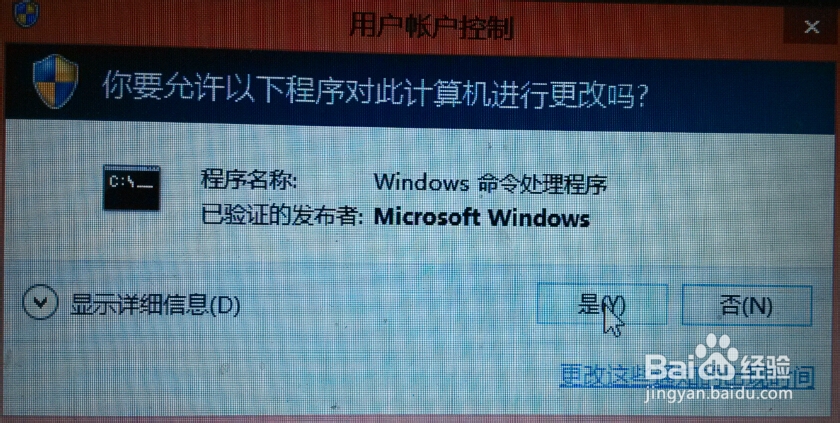
3、弹出用户帐户控制提示窗口,提示是否已管理员身份运行,选择‘是’,打开命令行窗口。
4、命令行窗口中键入:regsvr32 x:\xxxx\xxx.xxx,其中“x:\xxxx\xxx.xxx”代表要注册的文件名,要包含完整路径的文件名,就是含有盘符、文件夹路径、文件名组成的完整文件名。
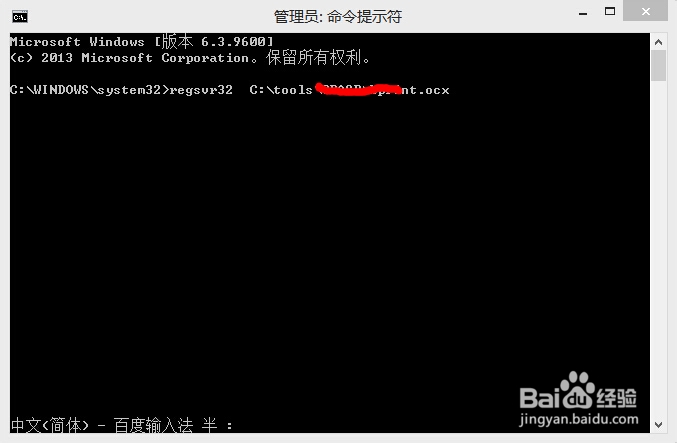
5、敲入回车,执行,成功!