怎样在powerpoint中创建云形形状
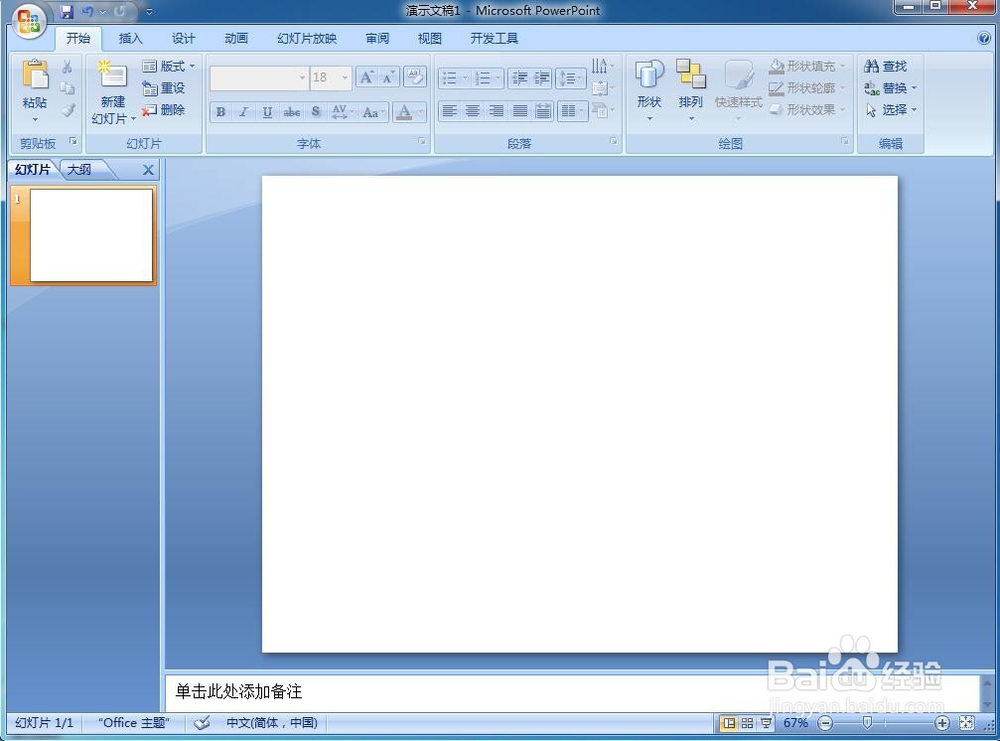
1、打开powerpoint 2007,进入其主界面;

2、用鼠标点击选中主、副标题输入框,将它们删除,出现一个空白页面;
3、点击插入菜单,选择形状工具;

4、打开形状库,在基本形状中找到并点击云形;

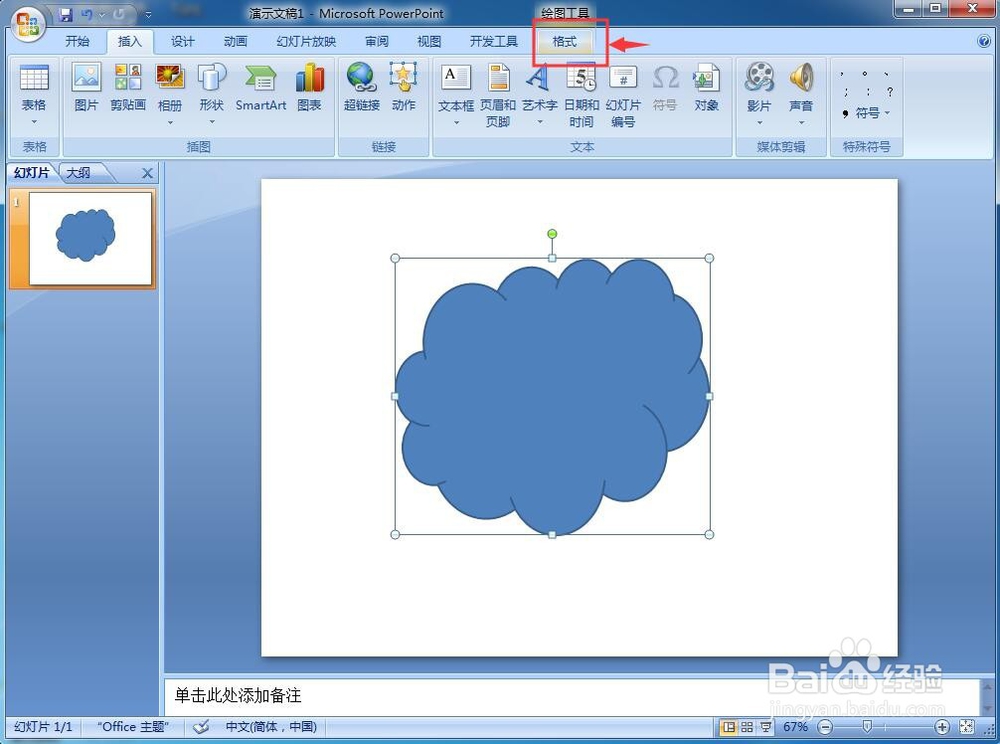
5、在编辑区中按下鼠标左键不放,拖动鼠标,画出一个云形;

6、用鼠标拖动右下角的小圆形,调整好云形的大小;

7、点击格式;
8、打开形状样式,点击添加一种需要的样式;
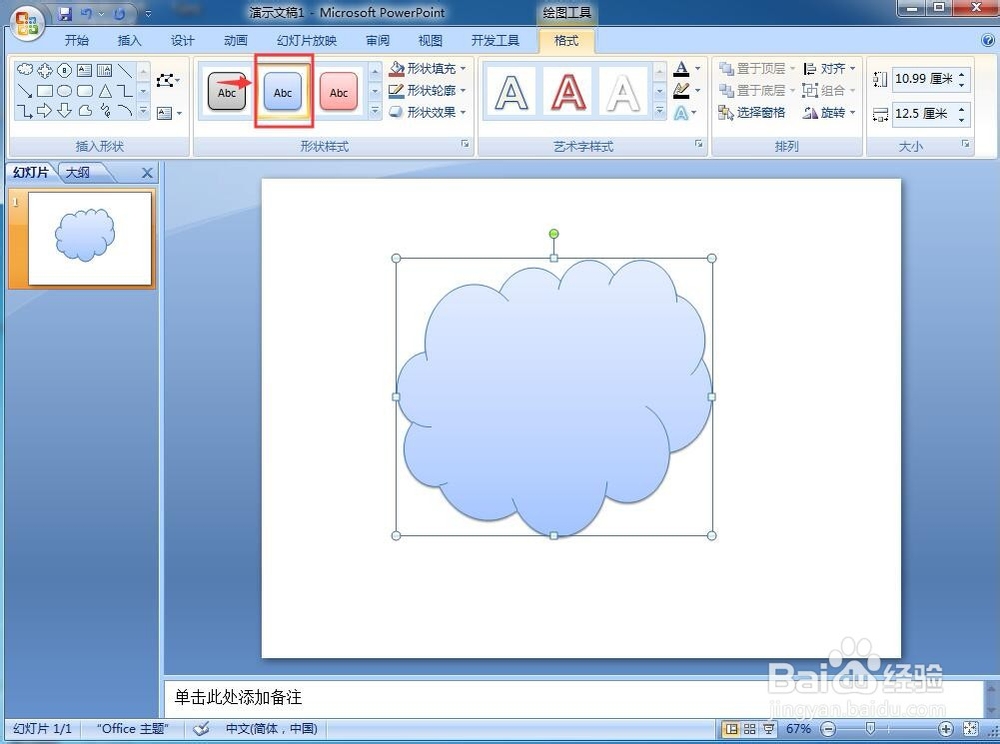
9、我们就在powerpoint 2007中创建好了一个云形图形。

1、打开powerpoint,点击插入,选择形状;
2、点击基本形状中的云形,按下鼠标左键不放,拖动鼠标,画出一个云形;
3、调整云形的大小和样式。
阅读量:119
阅读量:174
阅读量:23
阅读量:54
阅读量:51