javafx如何使用BorderPane
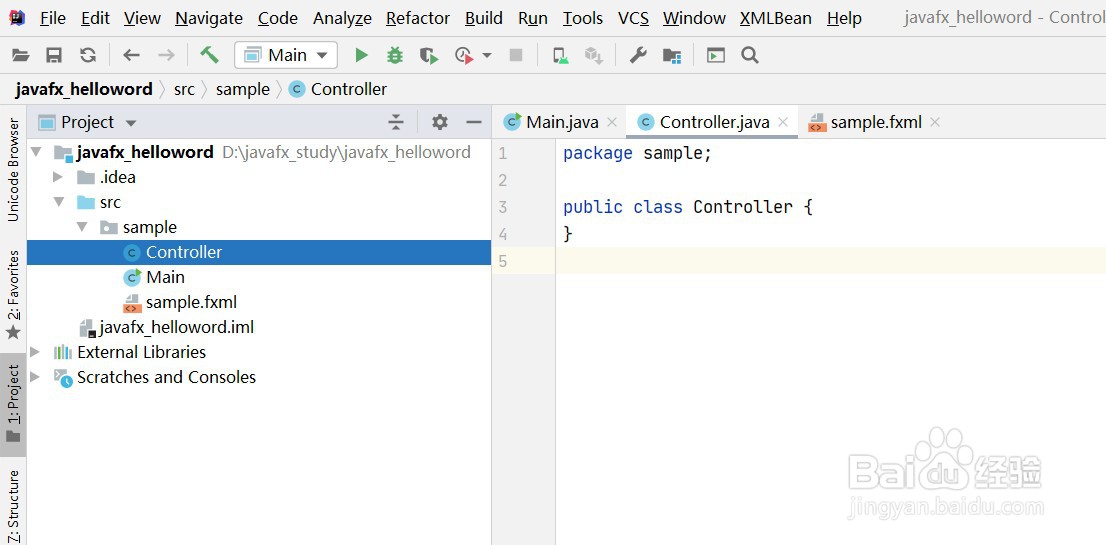
1、idea新建一个javafx项目
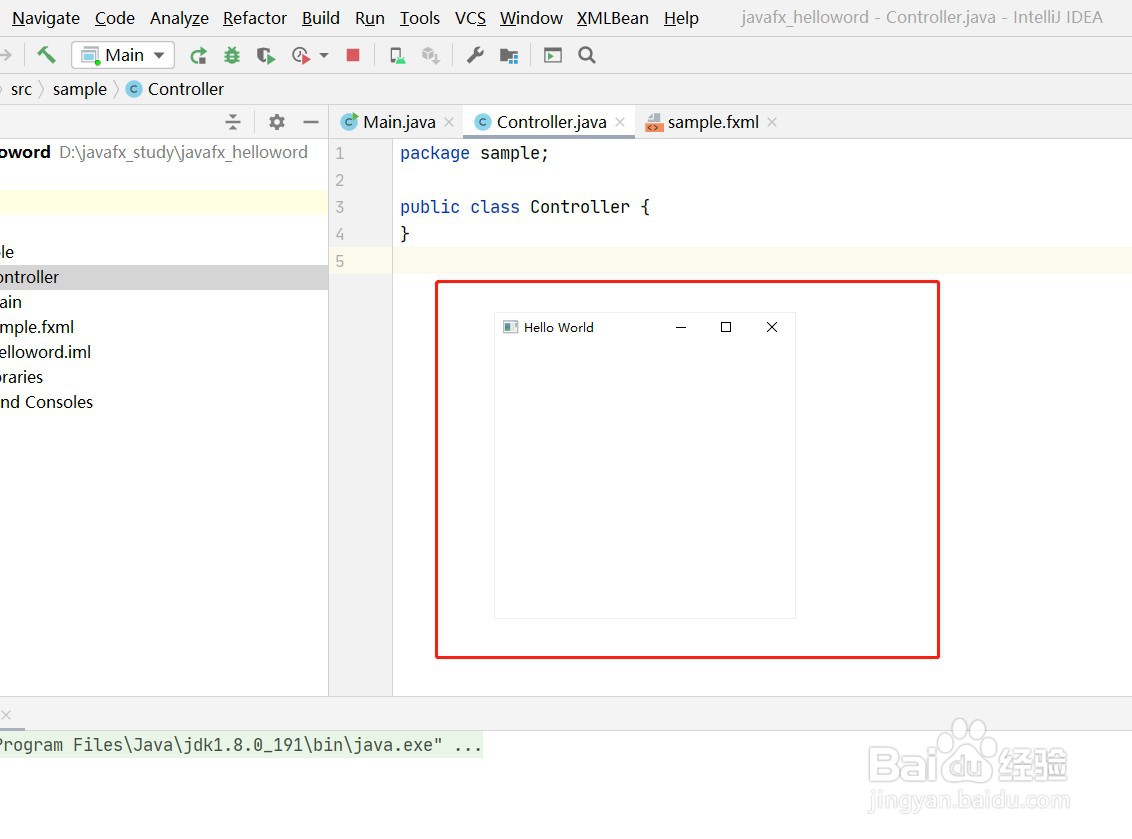
2、运行并启动程序
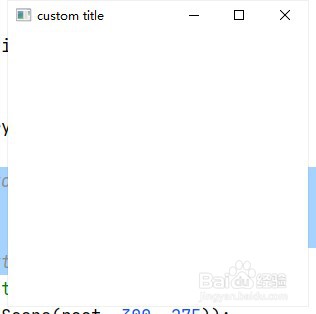
3、在布局中使用边框面板BorderPane
4、定位到项目主程序
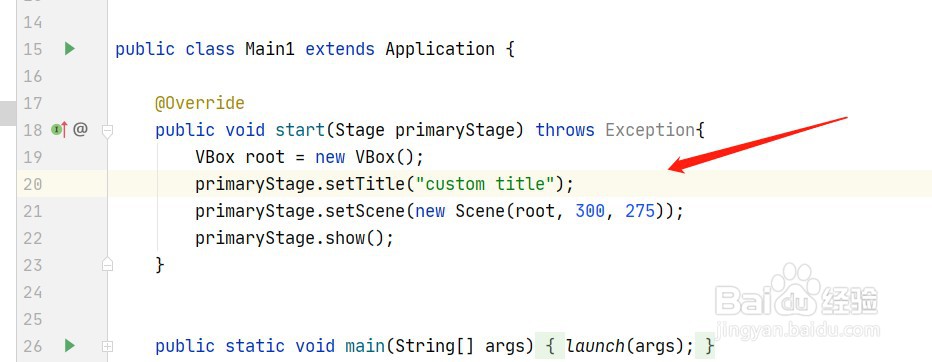
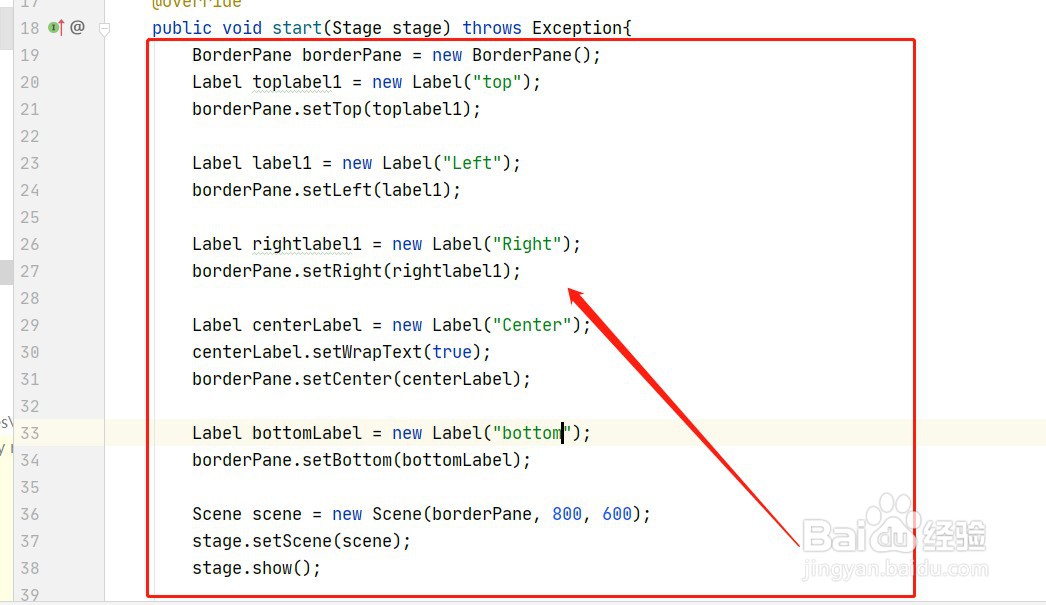
5、添加代码,如下图所示
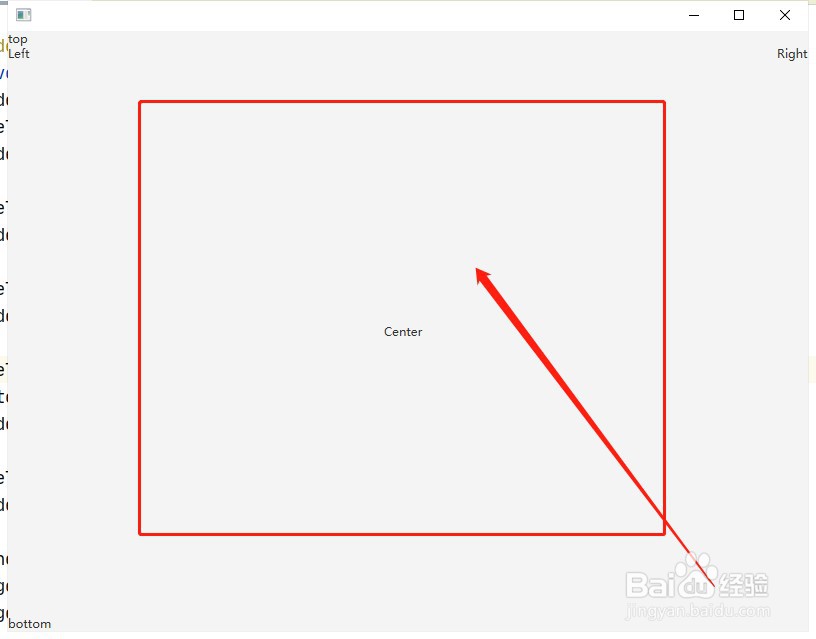
6、重新运行程序,查看效果,边框面板出现在界面中
阅读量:79
阅读量:103
阅读量:134
阅读量:99
阅读量:141
1、idea新建一个javafx项目
2、运行并启动程序
3、在布局中使用边框面板BorderPane
4、定位到项目主程序
5、添加代码,如下图所示
6、重新运行程序,查看效果,边框面板出现在界面中